Manage Your User Account
This page explains how to update your Kumoy account details, including your username, profile picture, email address, and language.
Account Settings#
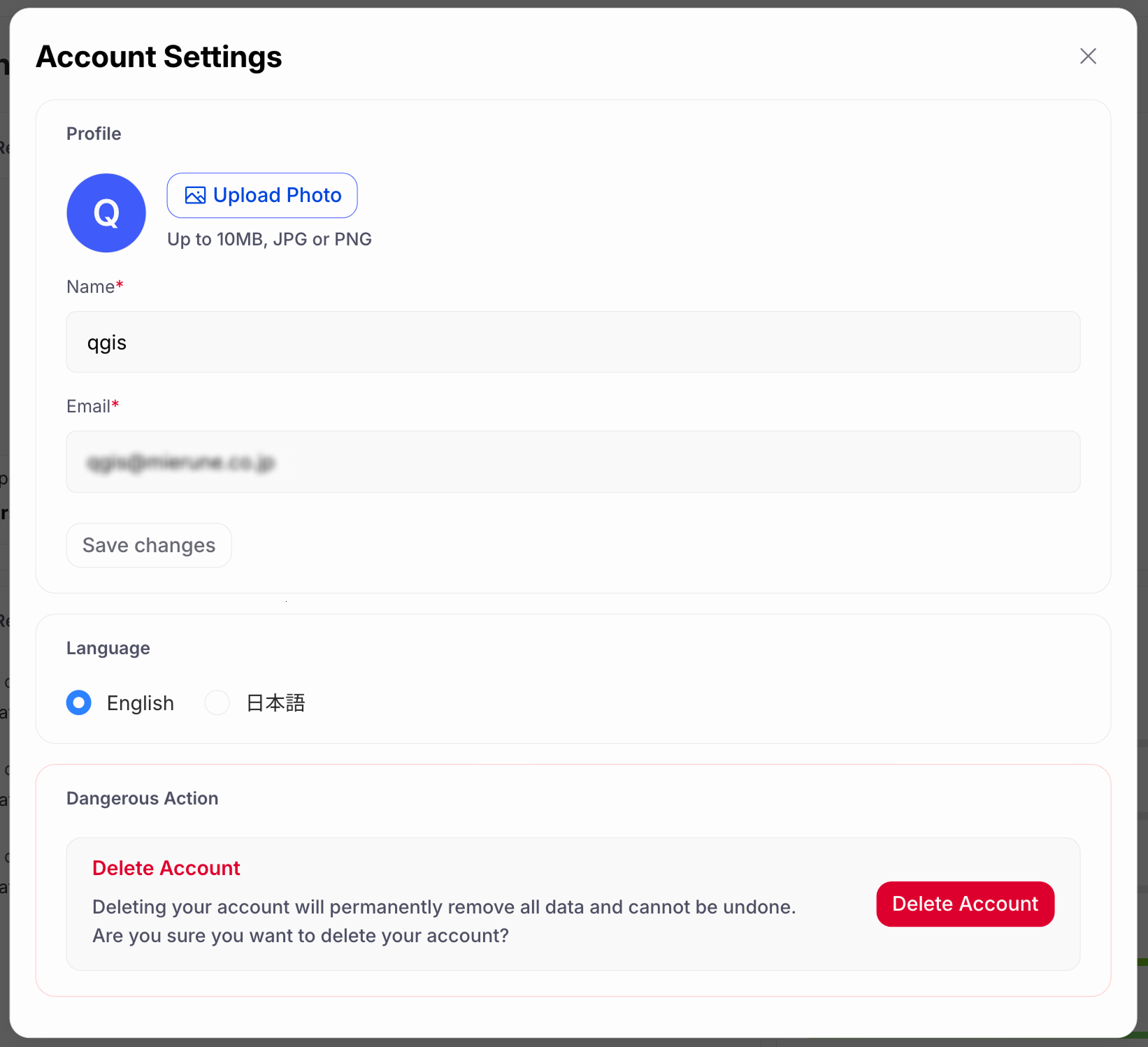
From your account settings, you can update your username, profile picture, email address, and language.
-
Log in to Kumoy.
-
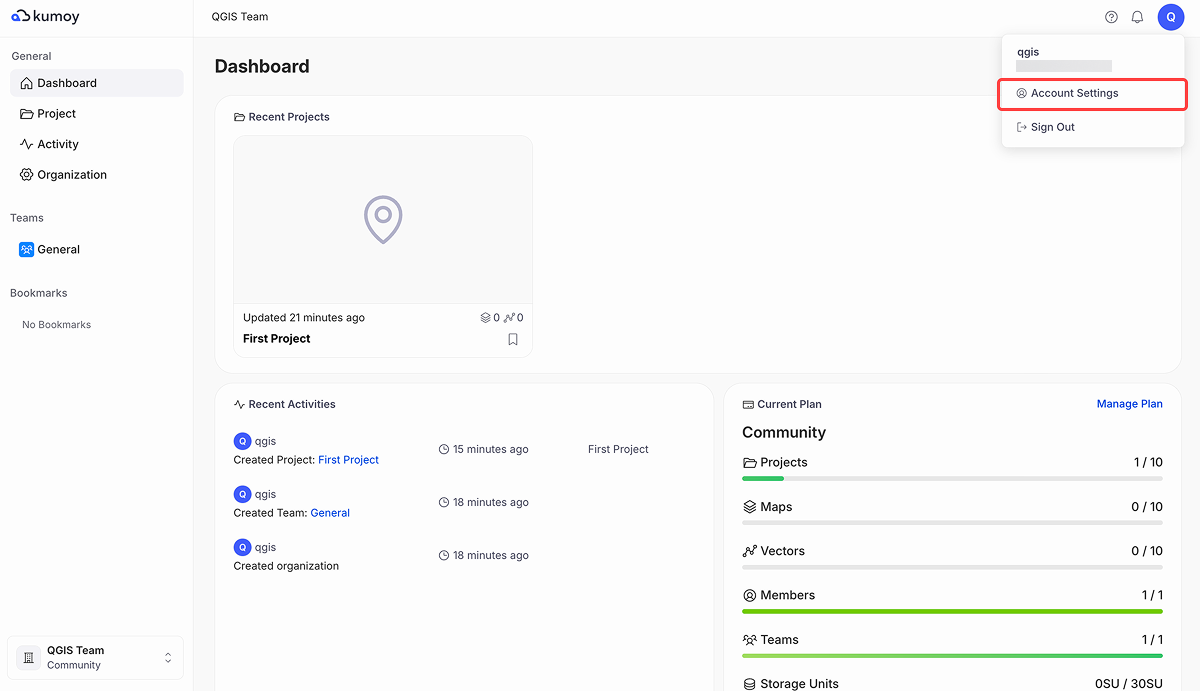
Click the user icon in the top right and navigate to Account Settings.
-
On this screen, you can update your profile picture, username, email address, and language.
Last update: Oct 7, 2026 23:52:25