Transfer a Project
Each project belongs to a team. From the web app, you can transfer a project to another team within the same organization.
ImportantThis feature is only available on the Business plan and above. See Update Plan & Add-ons to upgrade.
Transfer a Project to Another Team#
-
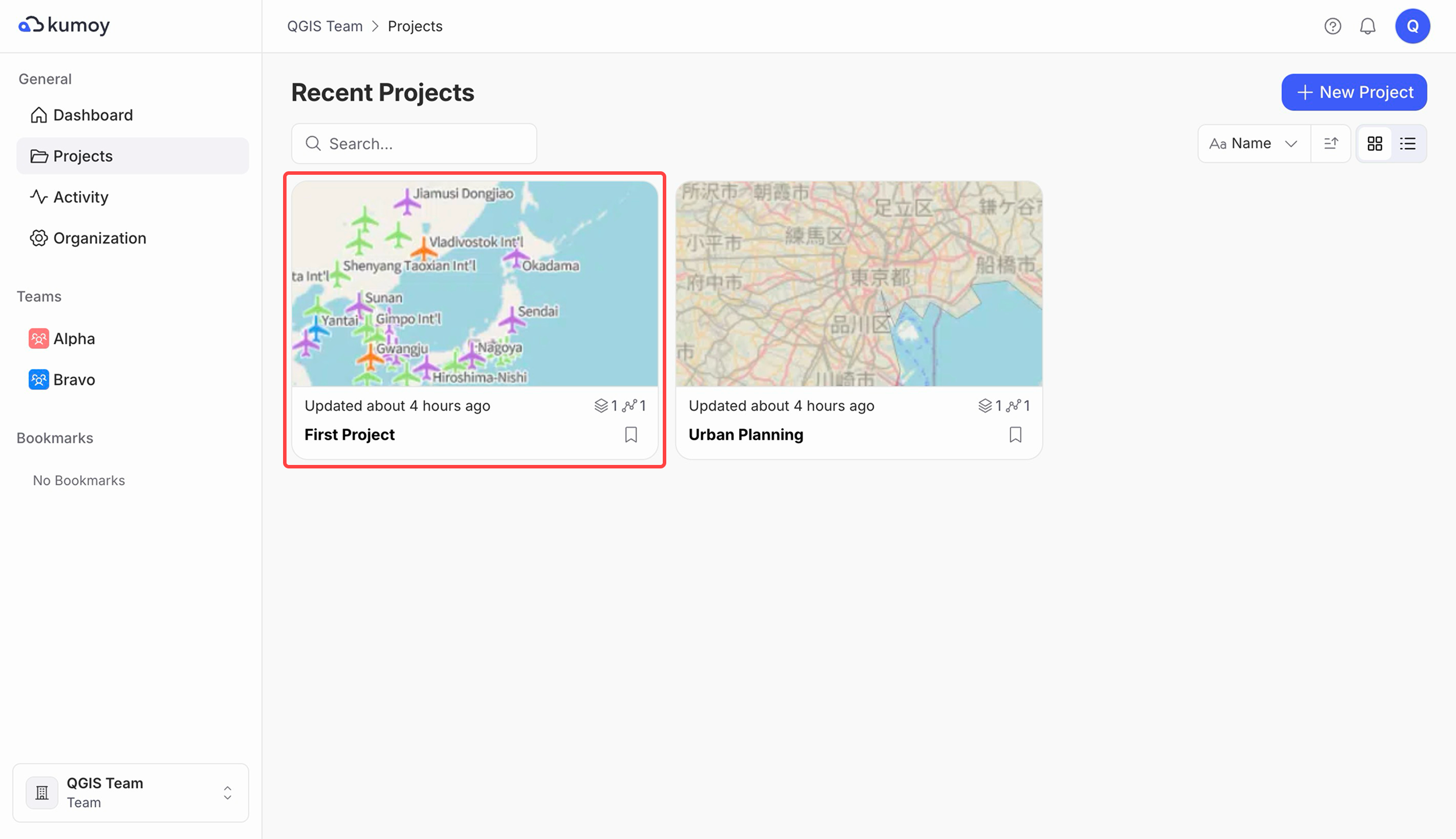
Log in to Kumoy and open the project you want to transfer.
-
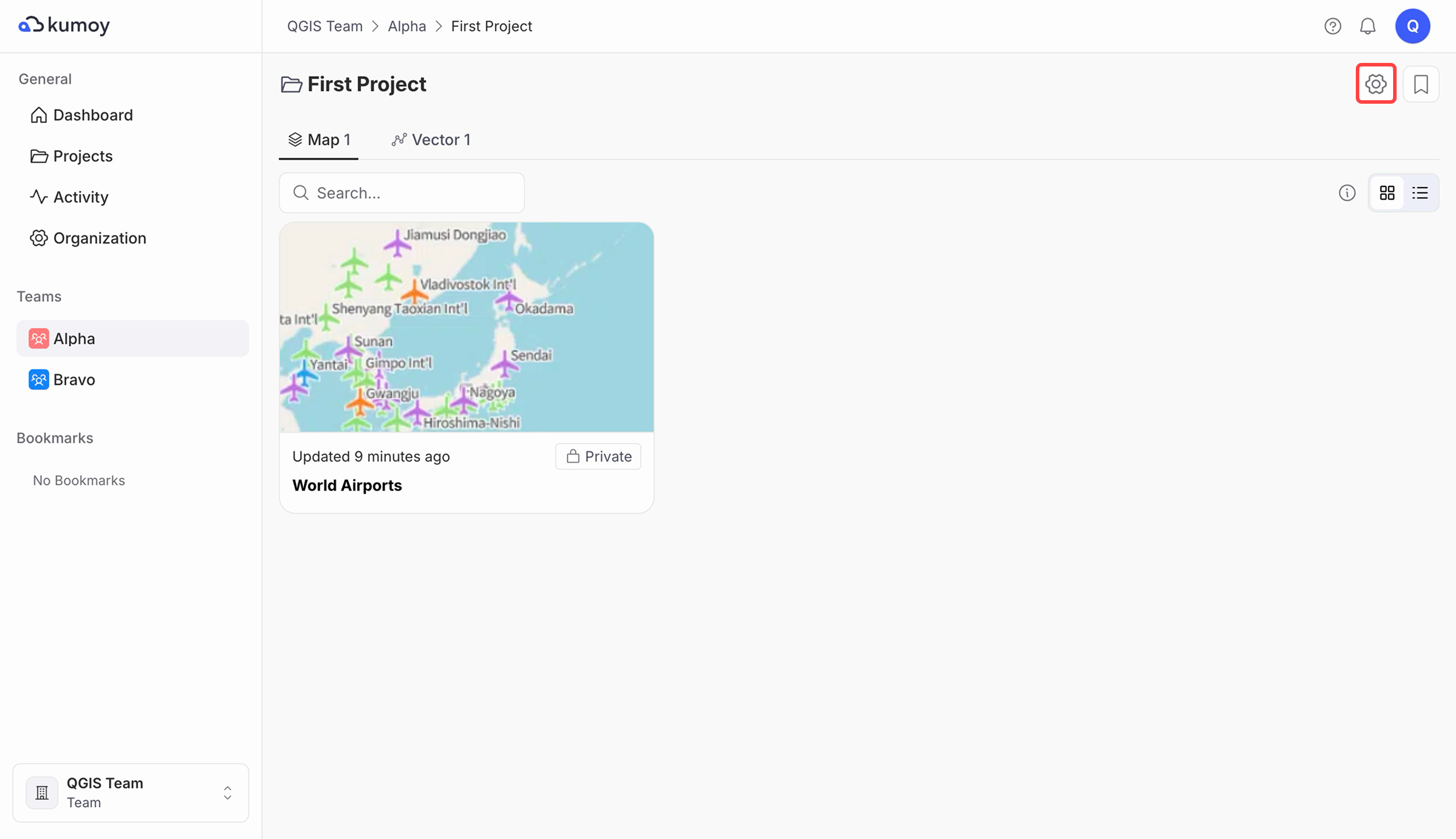
Click the gear button at the top right of the window.
-
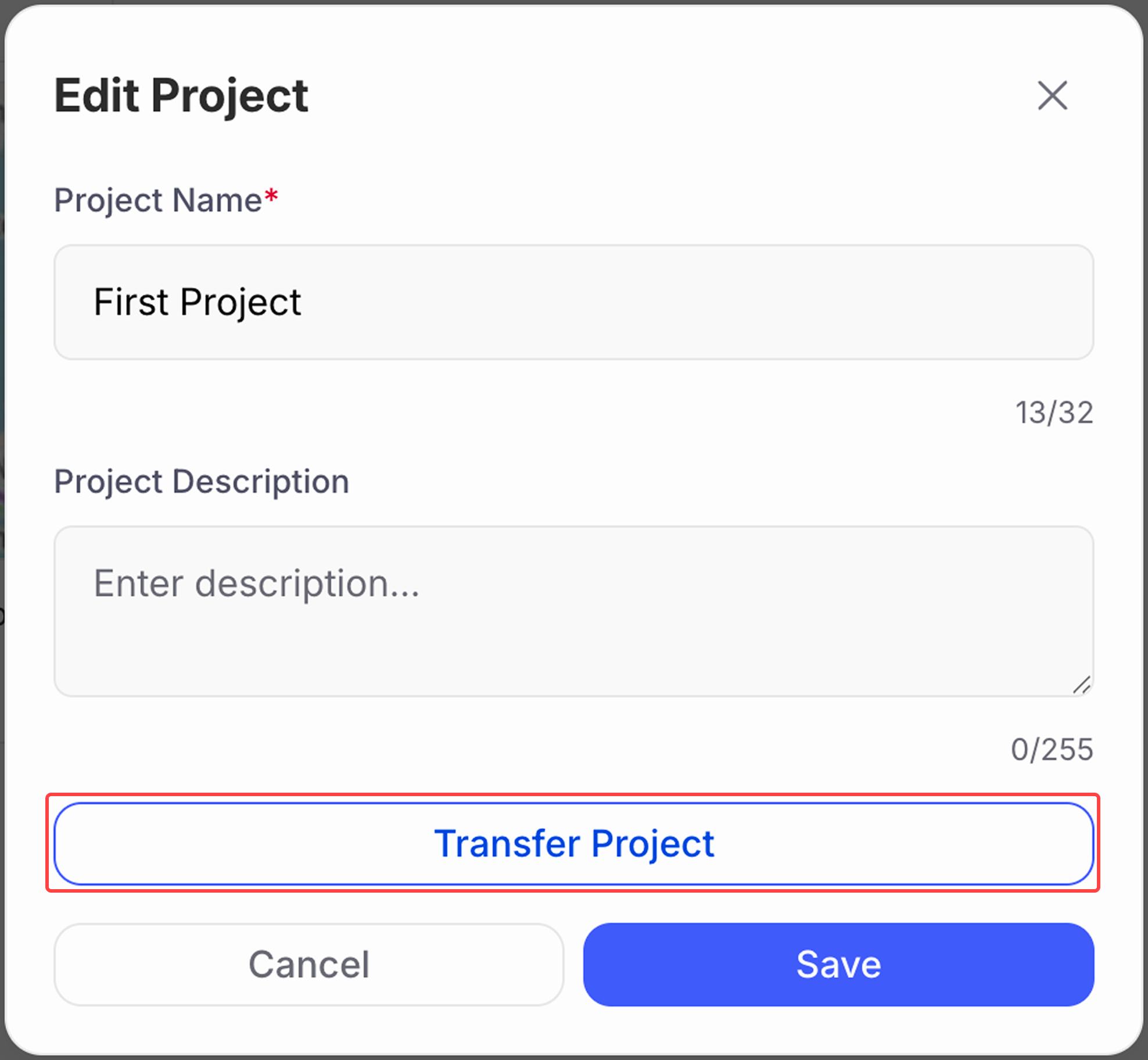
On the Edit Project window, click Transfer Project.
-
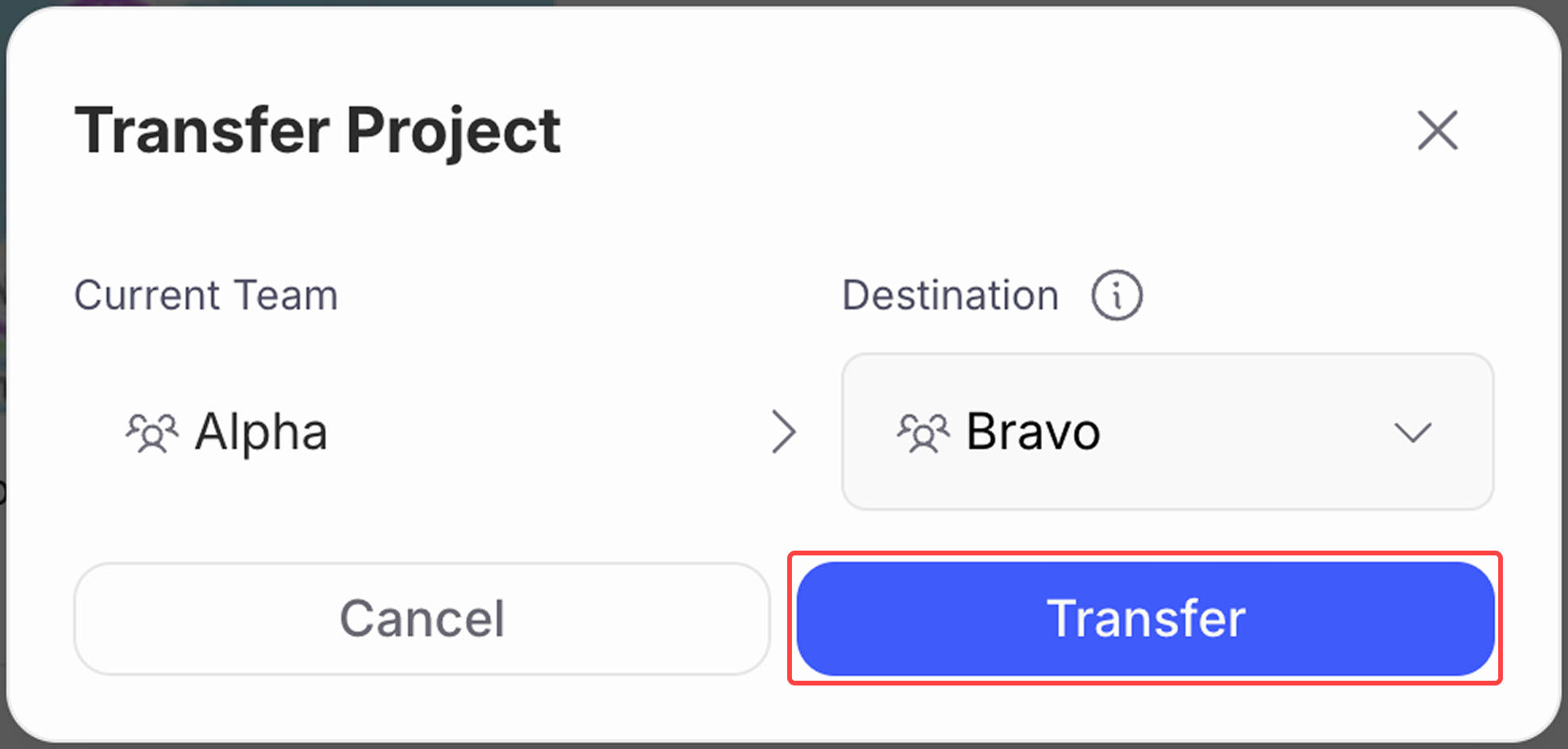
Select the destination team, then click Transfer.
-
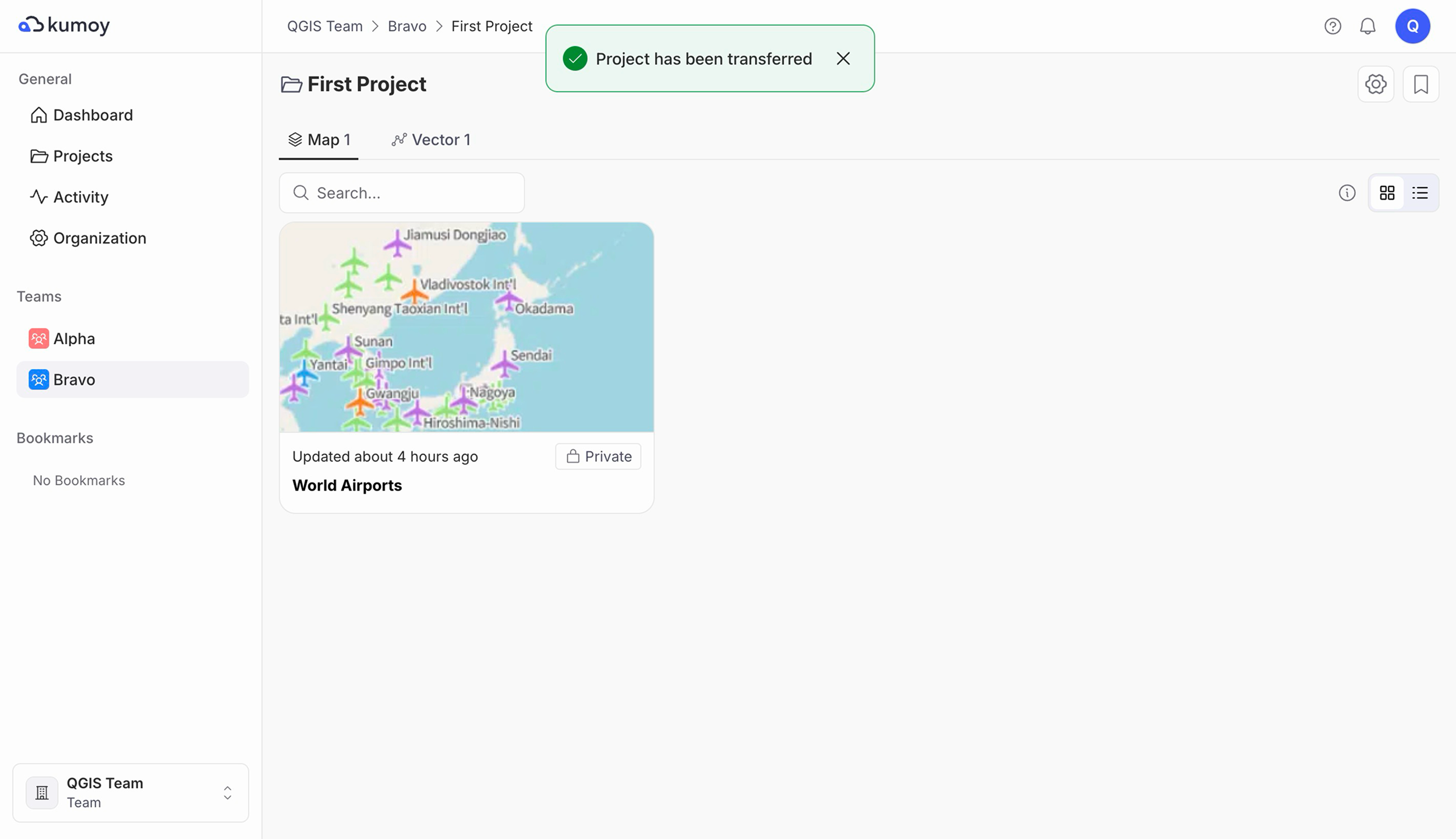
The project is now transferred.
NoteAfter you transfer a project, members of the destination team can access it.
Last update: Oct 7, 2026 23:52:25