View Vectors and Rasters on the Web
Kumoy lets you view saved vectors and rasters directly in the browser.
NoteThis page uses a vector as an example, but you can view a raster by following the same steps.
Open a Vector or Raster#
-
Log in to Kumoy.
-
On the web dashboard, open the Projects tab and select the project where your layer is stored.
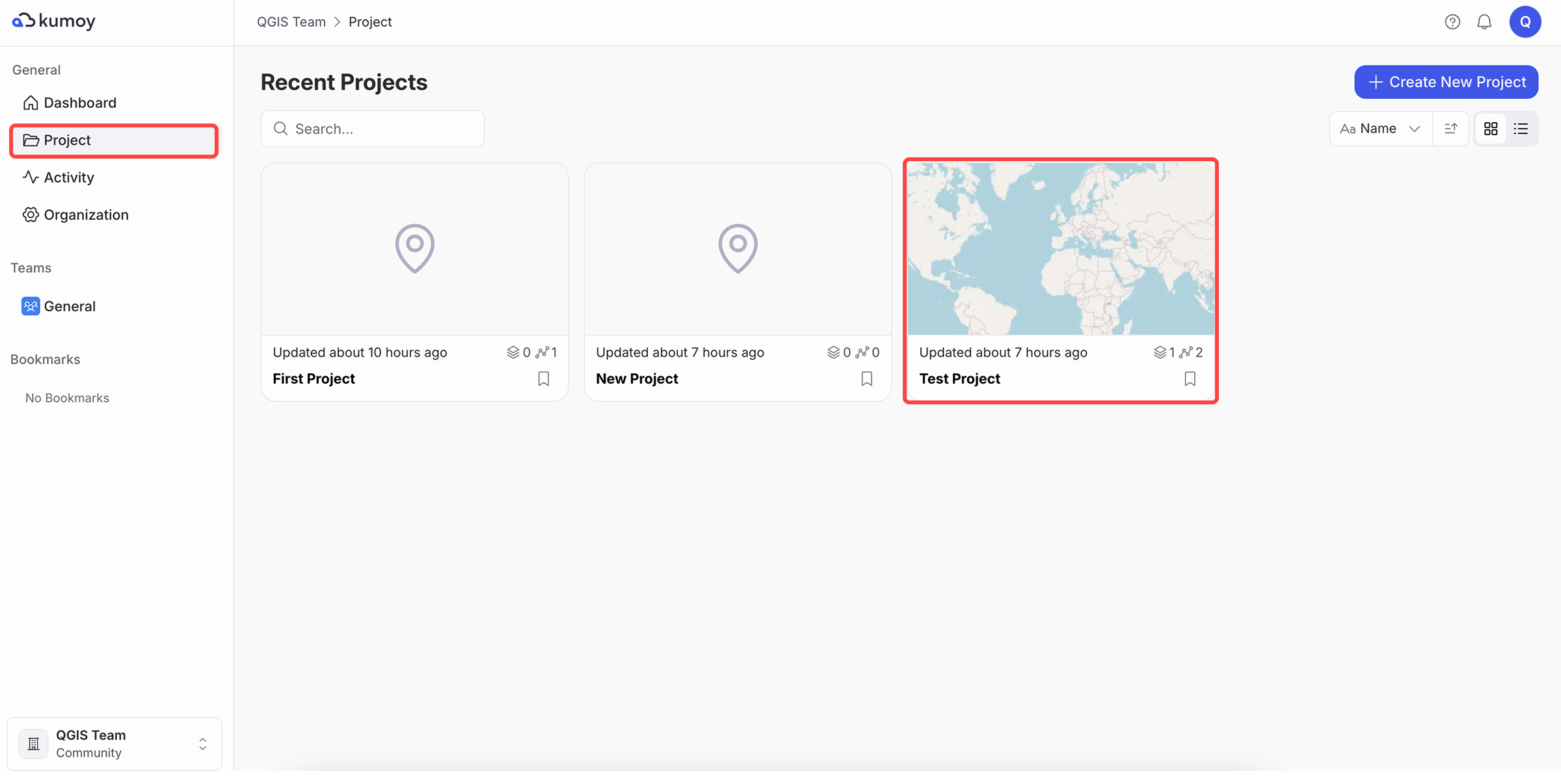
-
Open the Vector or Raster sub-tab, then click the layer you want to view.
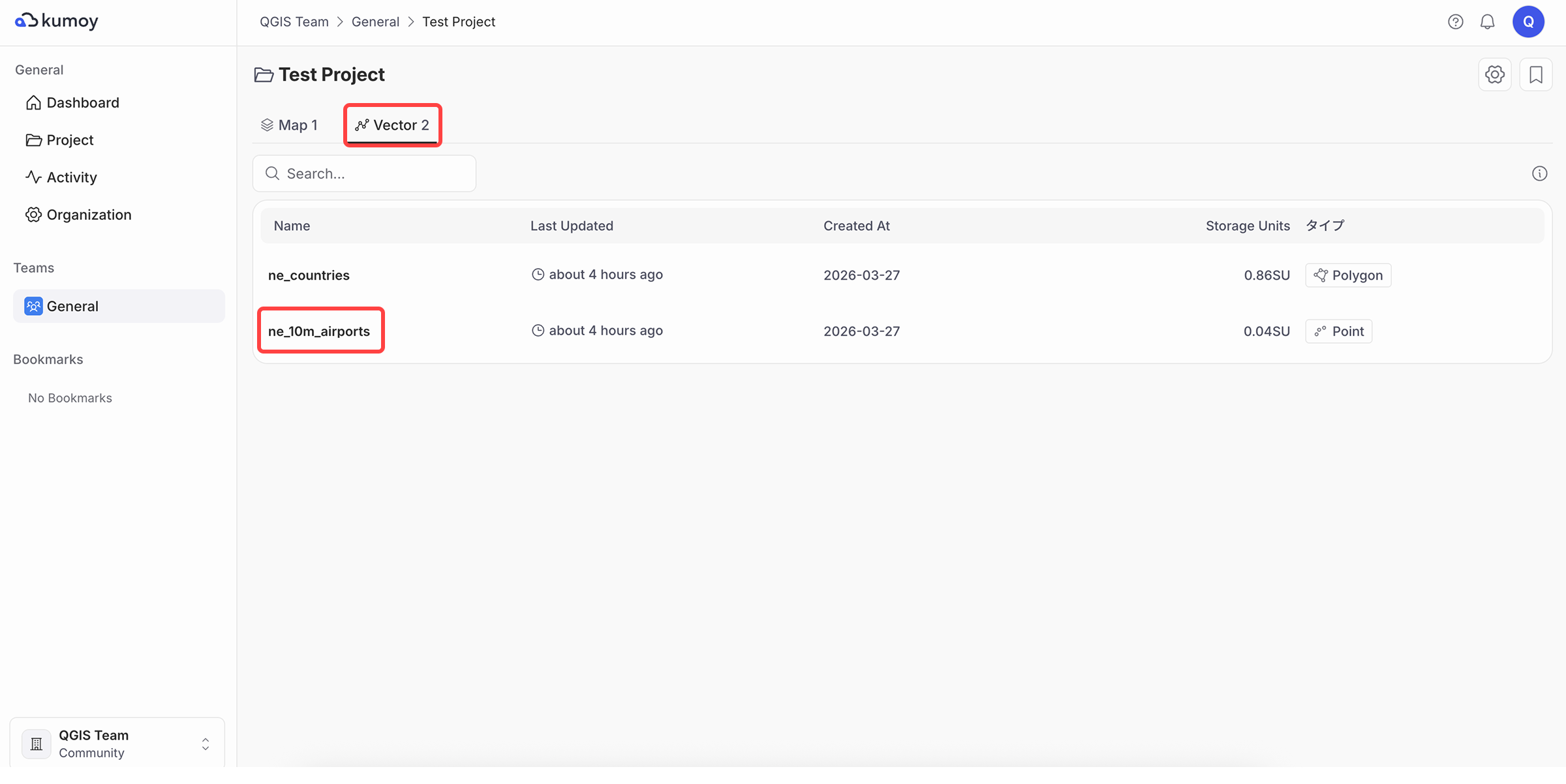
-
You can view the layer's metadata and data. For a vector, you can also view feature locations and the attribute table.
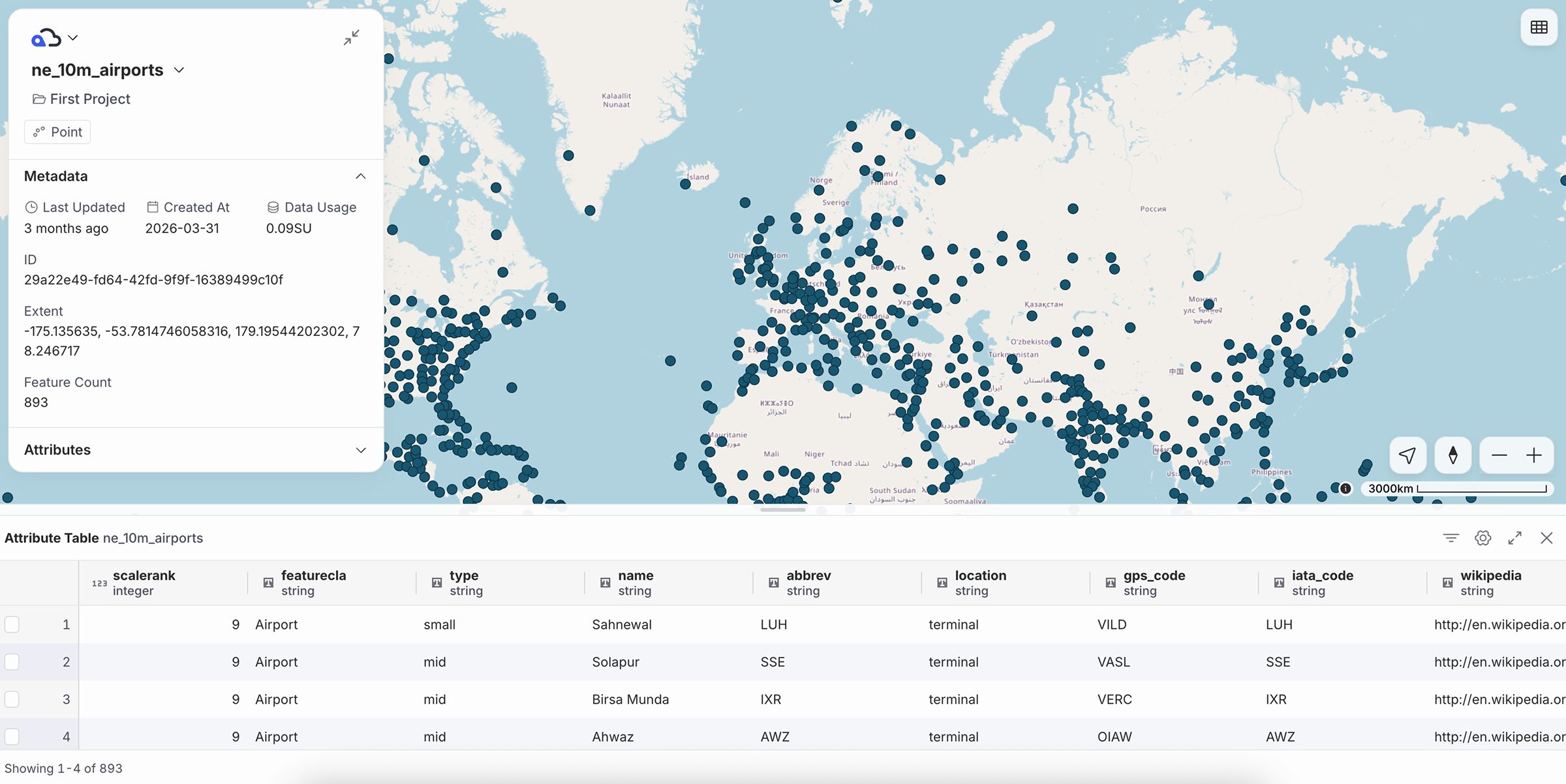
ImportantThe background map in the layer view is fixed to OpenStreetMap. The layer's style cannot be changed.
Edit a Vector or Raster#
-
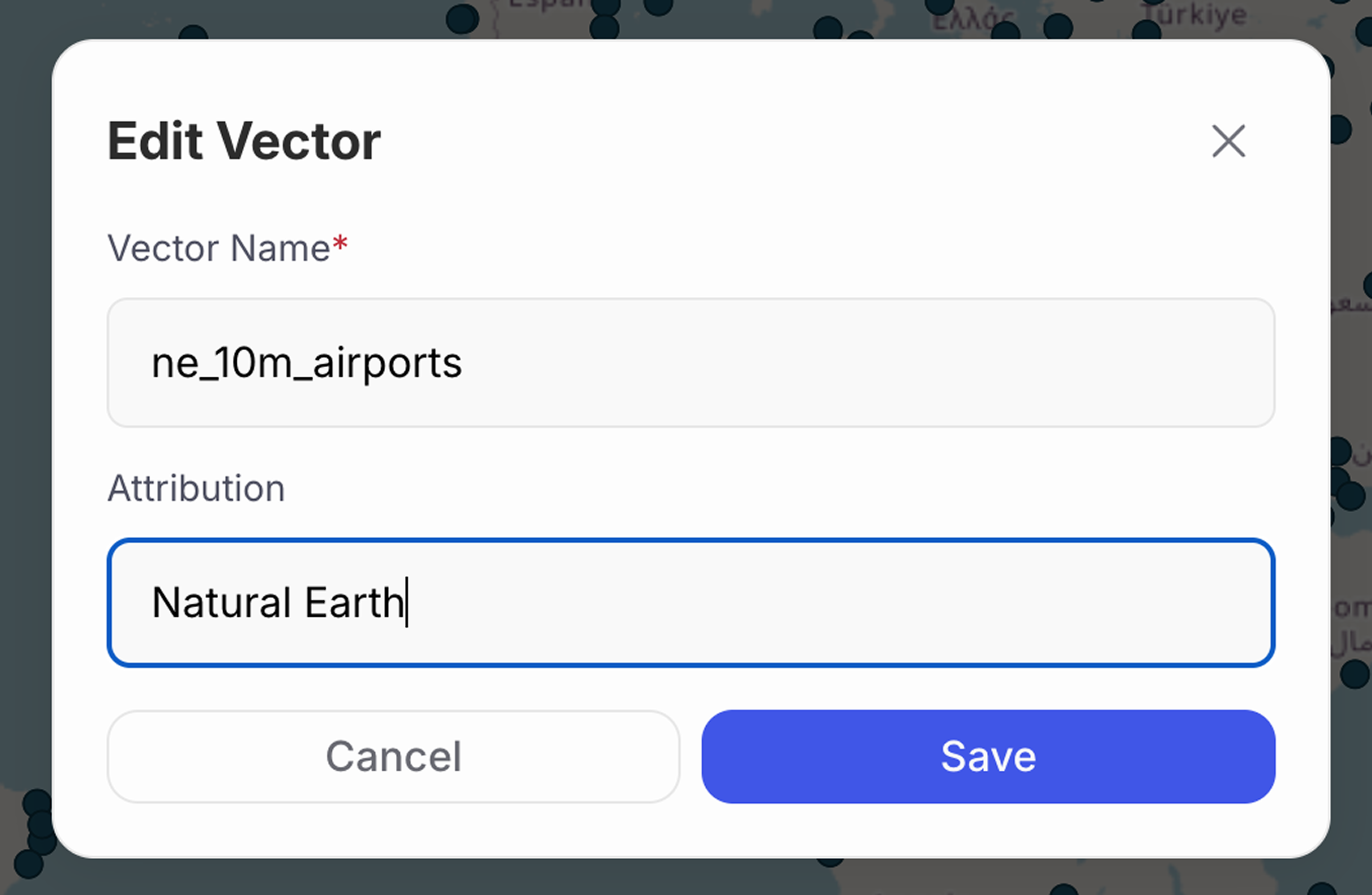
Click the layer name in the top left and select Edit.
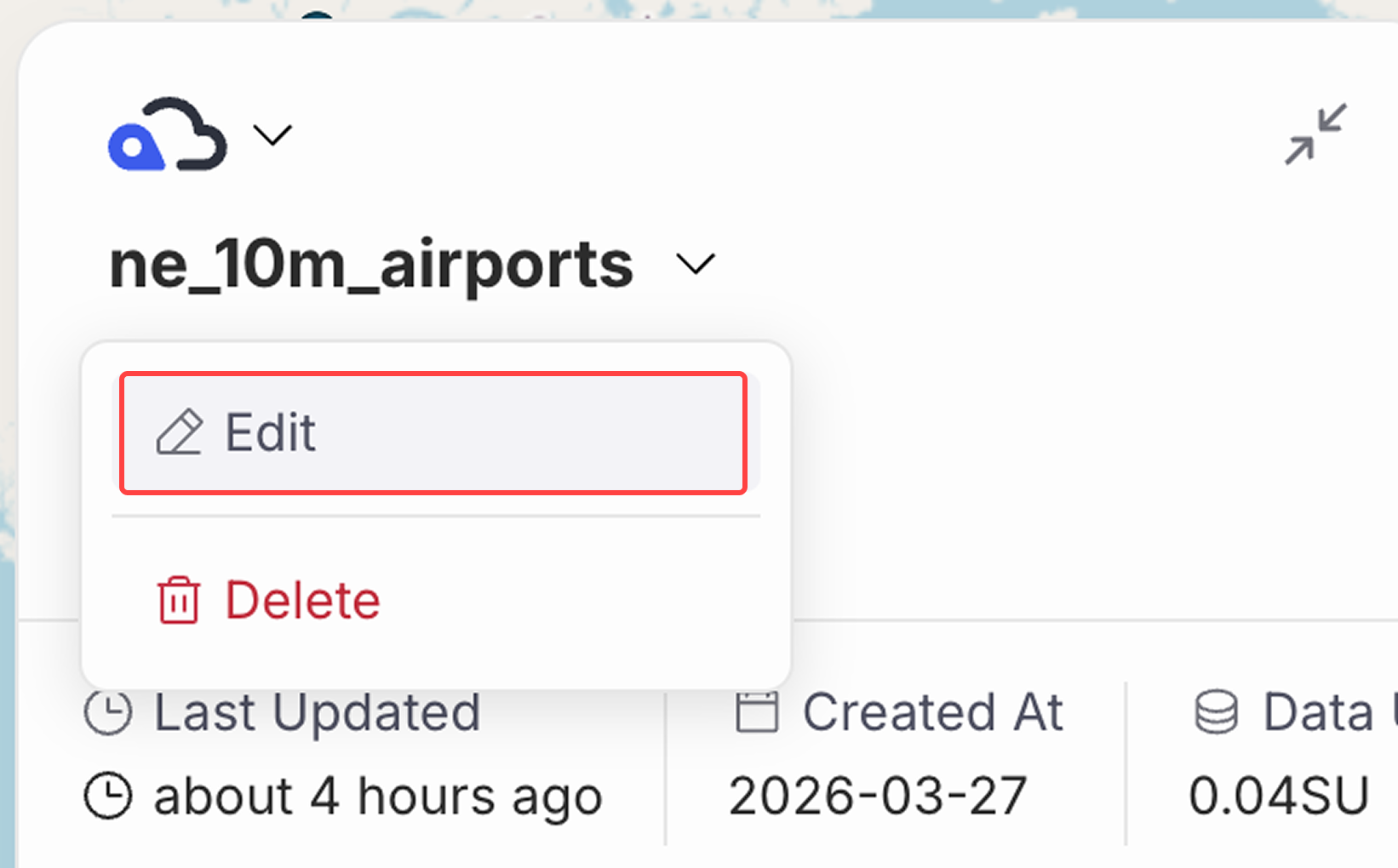
-
You can change the layer name and attribution.
NoteOn the Team plan and above, you can also edit features and attributes from the standalone vector view. For details, see Edit Vector Features on the Web.
NoteTo see how the attribution appears on the map, refer to map's Data Attribution.
Last update: Jul 27, 2026 11:35:19