Select Organization & Project
This page covers how to select and switch between organizations and projects, on the web and in QGIS.
Select on the Web#
-
Log in to Kumoy.
-
On the bottom left, click the dropdown showing the organization name.
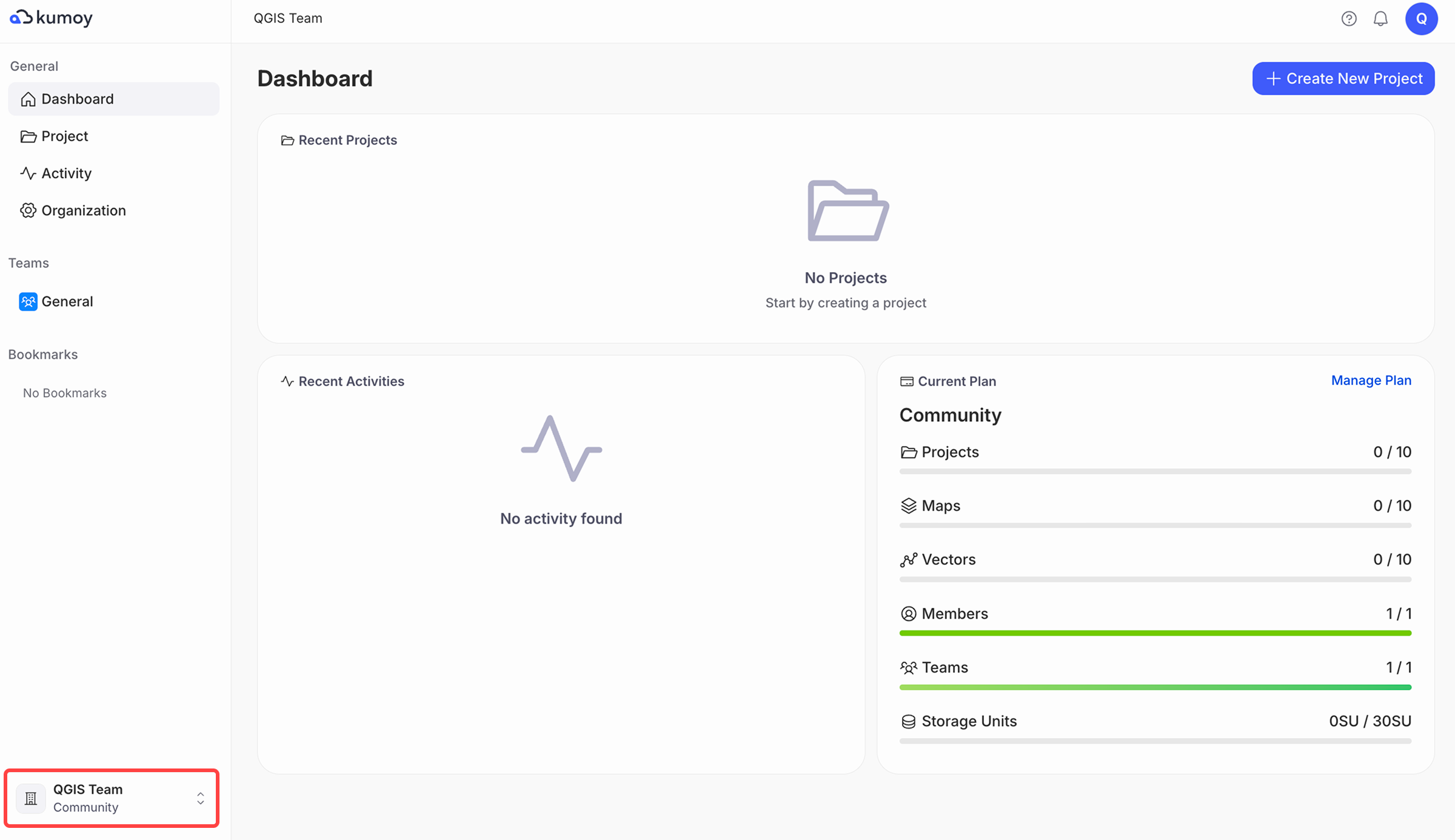
-
Select the organization you want from the list.
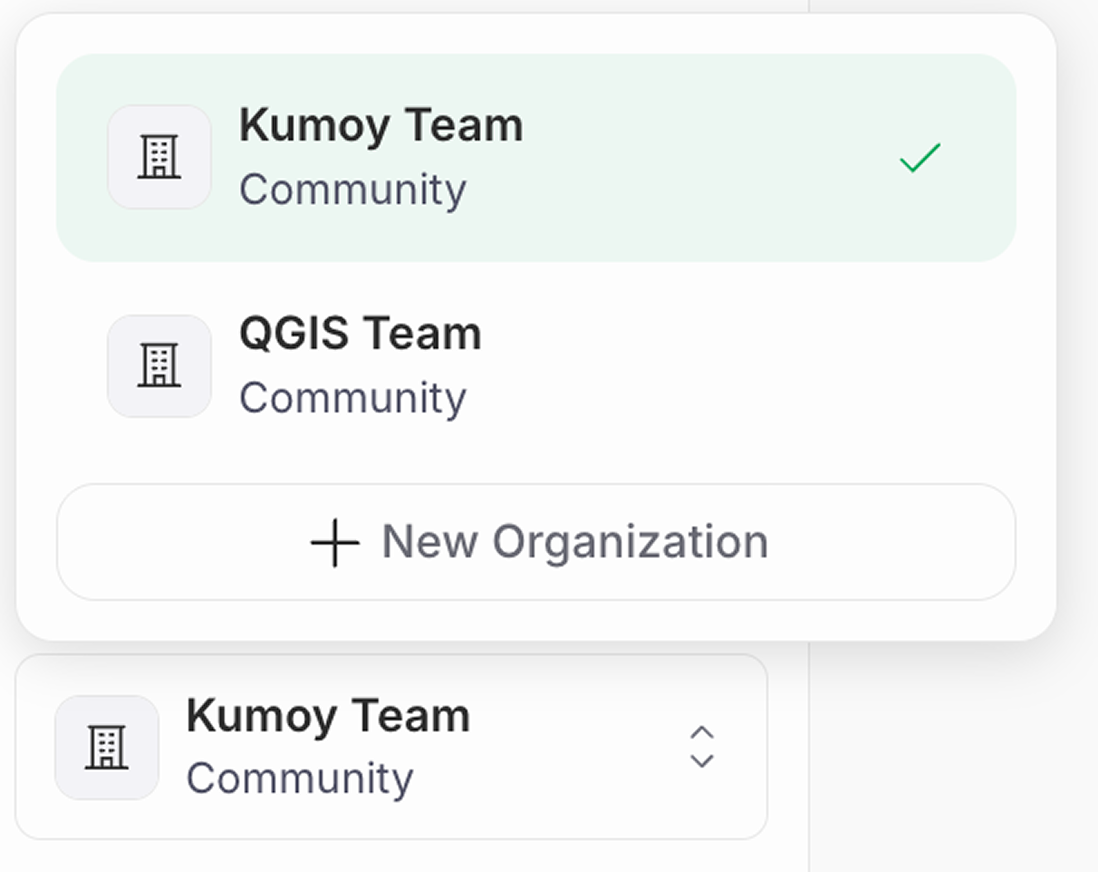
-
After switching organizations, open the Projects tab and select a project from the list.
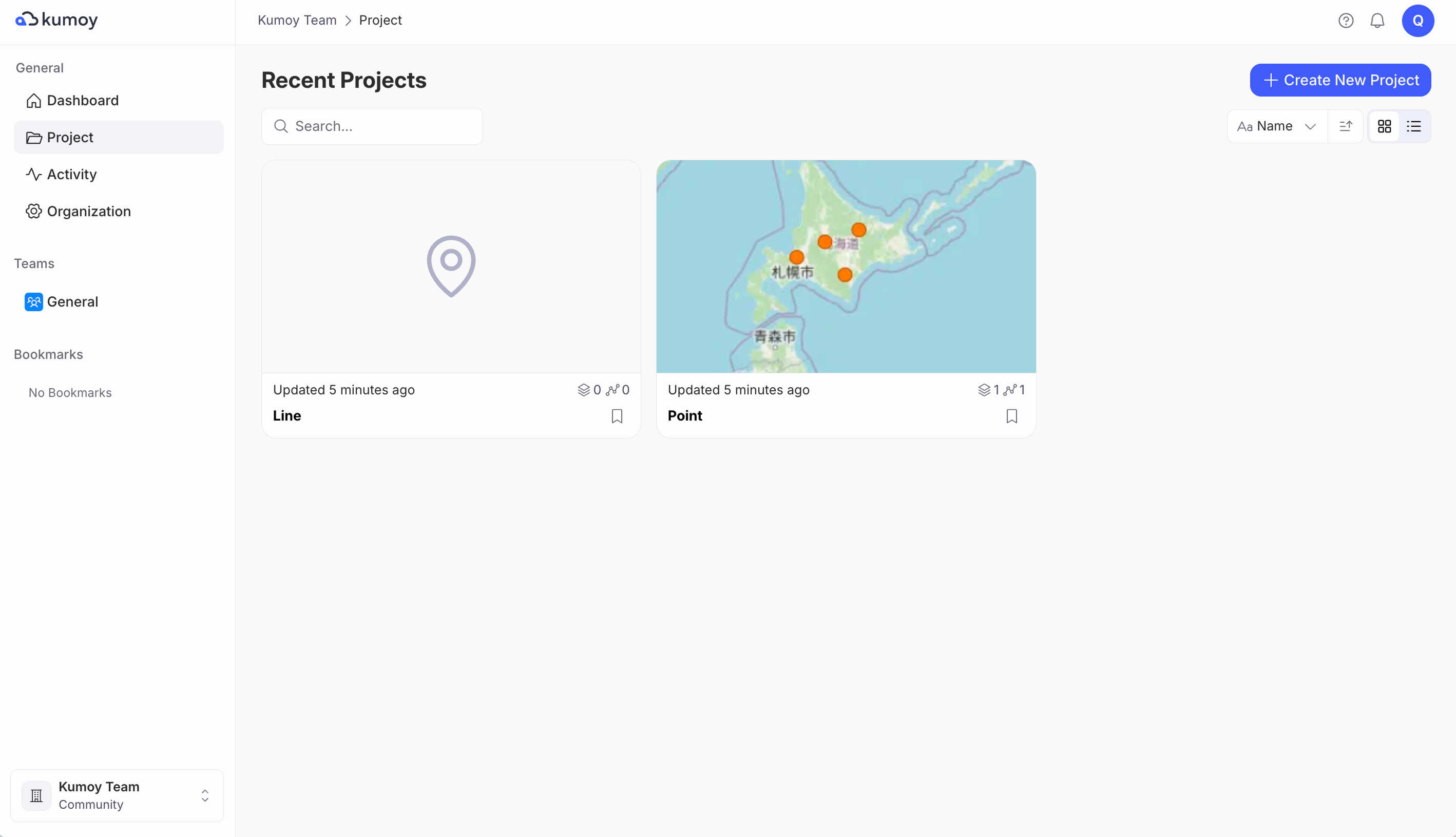
-
The project page opens.
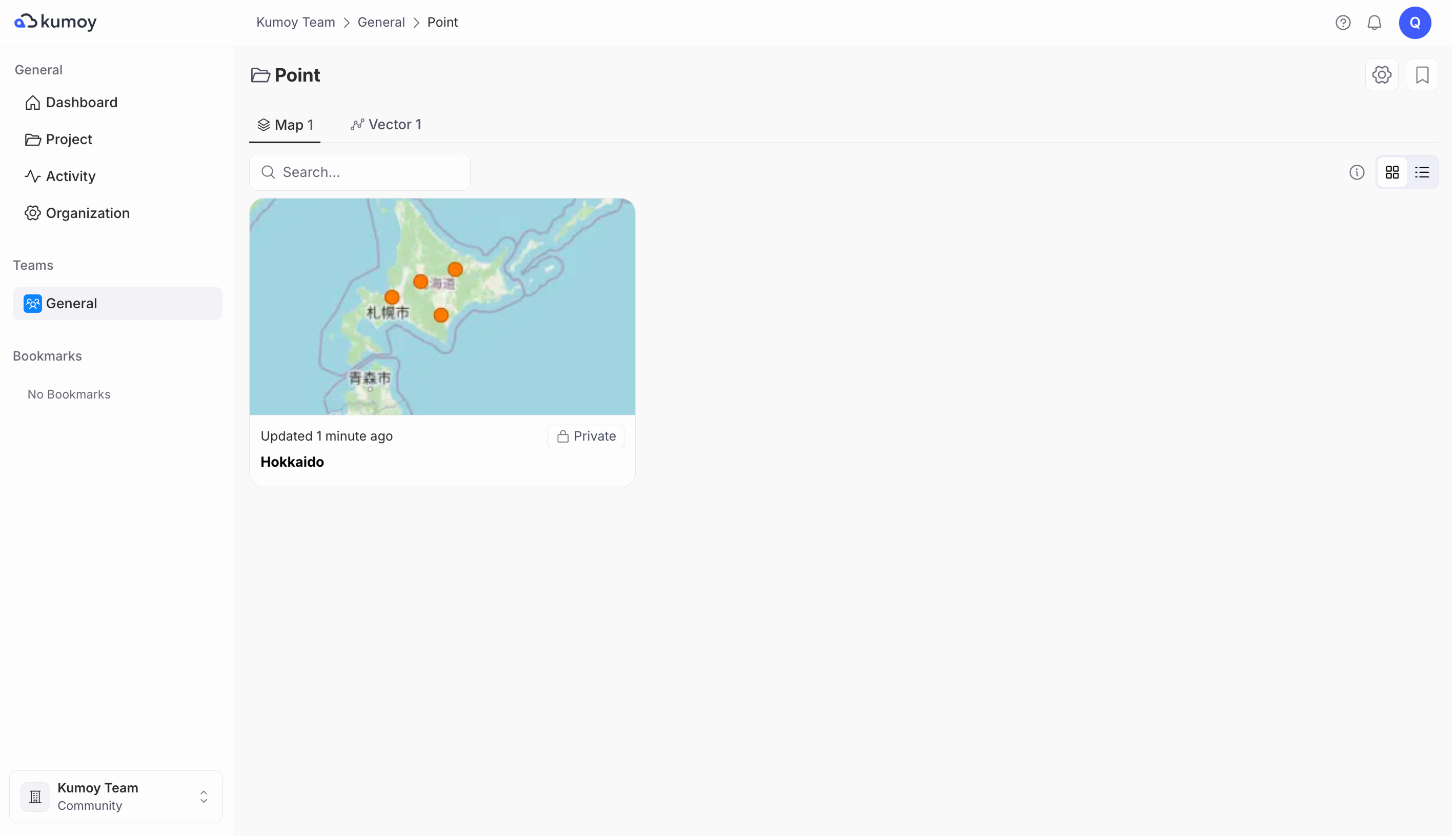
Select in QGIS#
-
Open QGIS, right-click Kumoy in the Browser panel and log in.
-
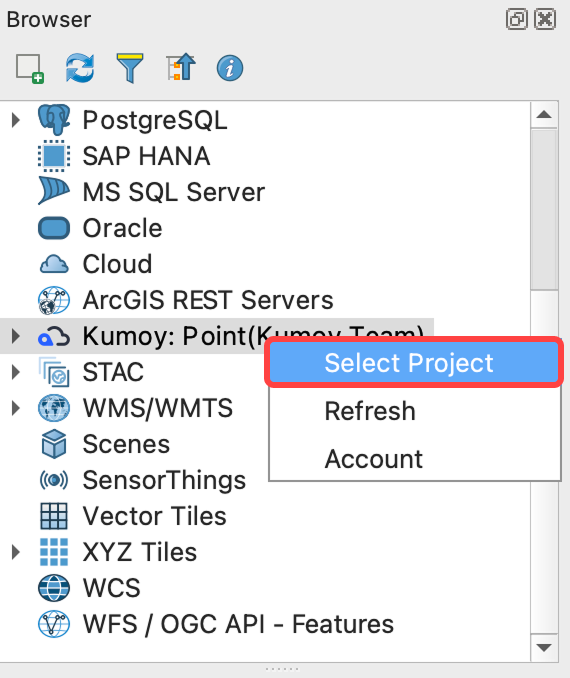
Right-click Kumoy in the Browser panel, and click Select Project.
-
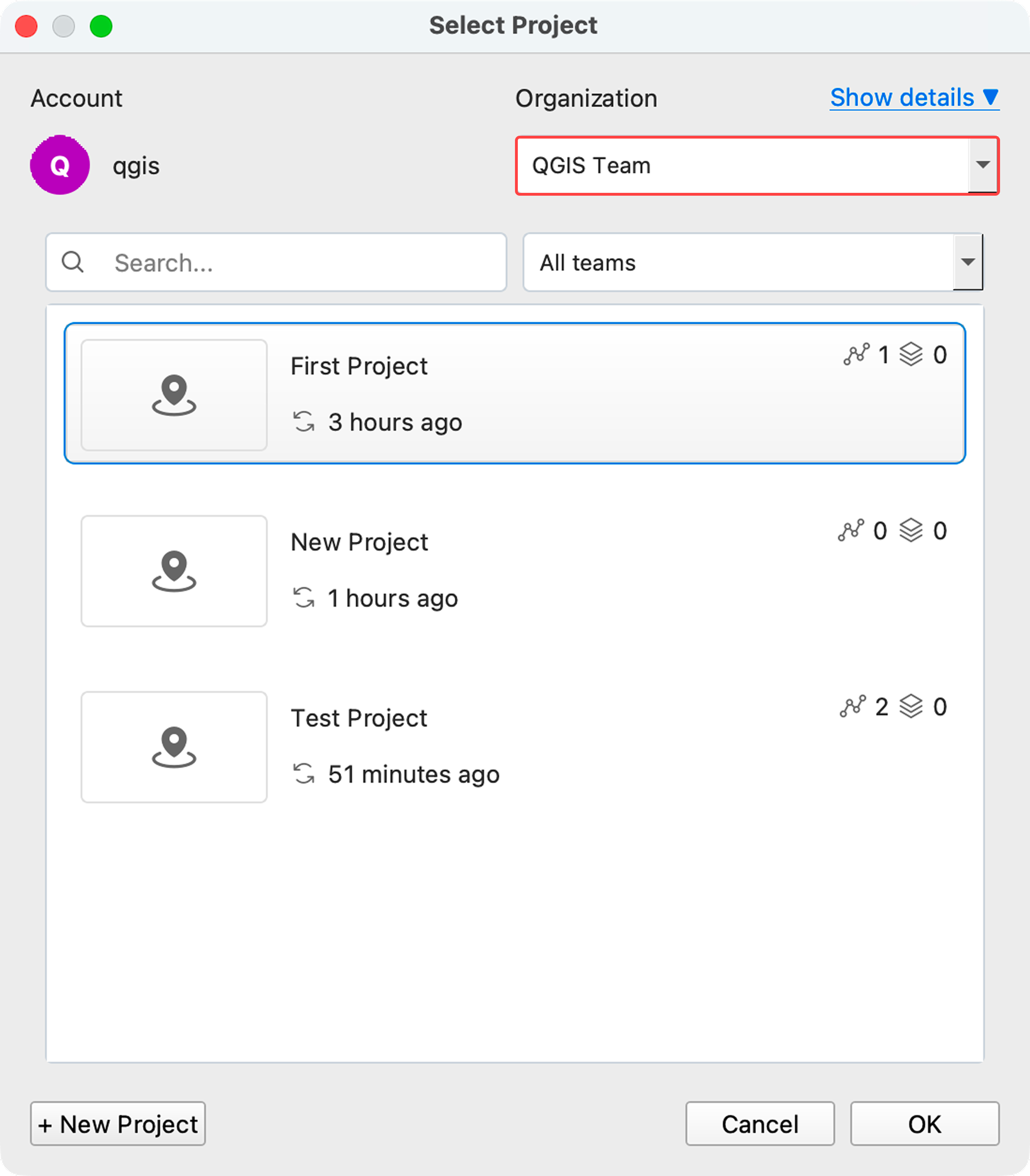
At the top of the dialog, click the Organization dropdown and select the organization.
-
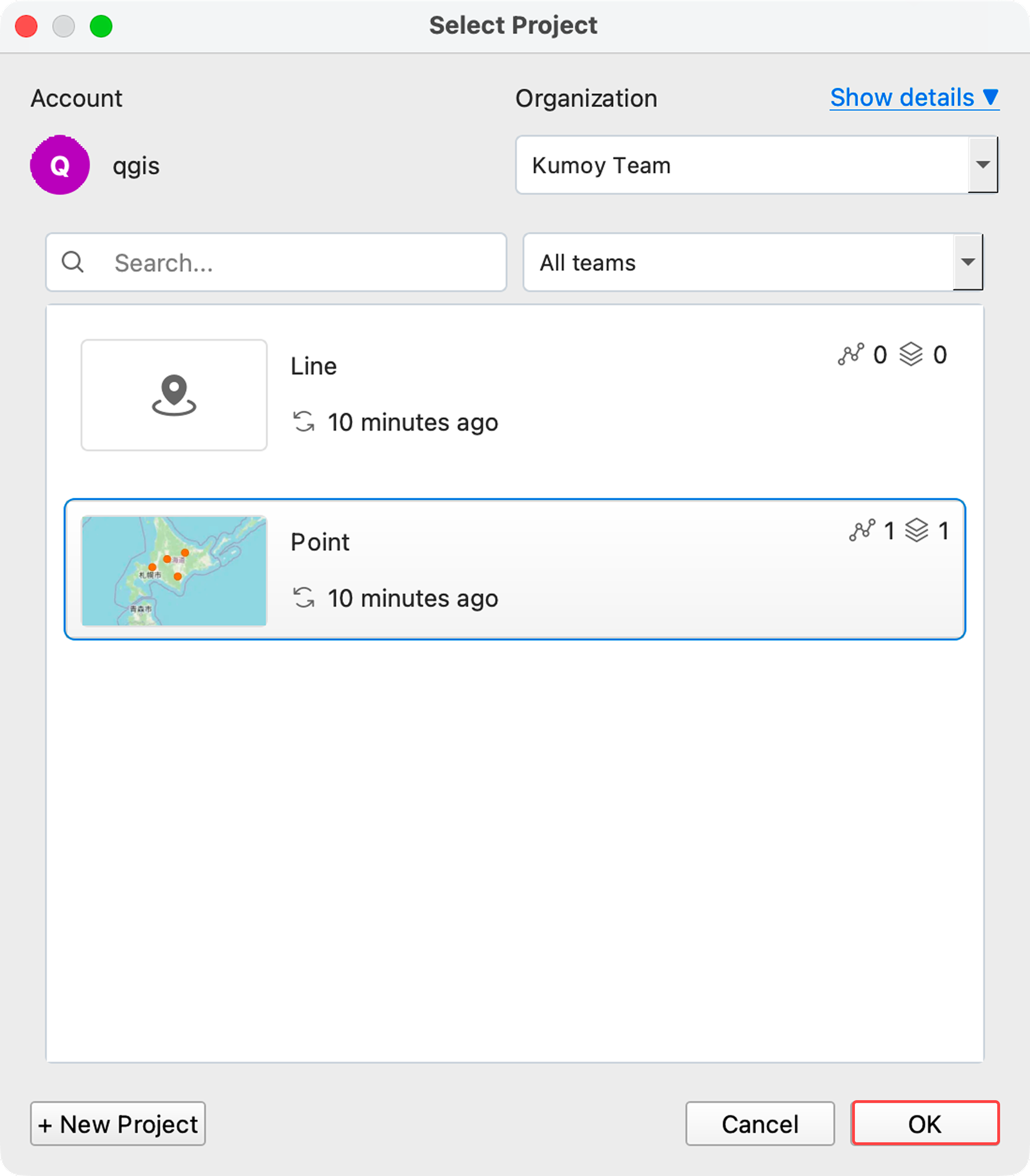
After switching organizations, select a project from the list and click OK.
-
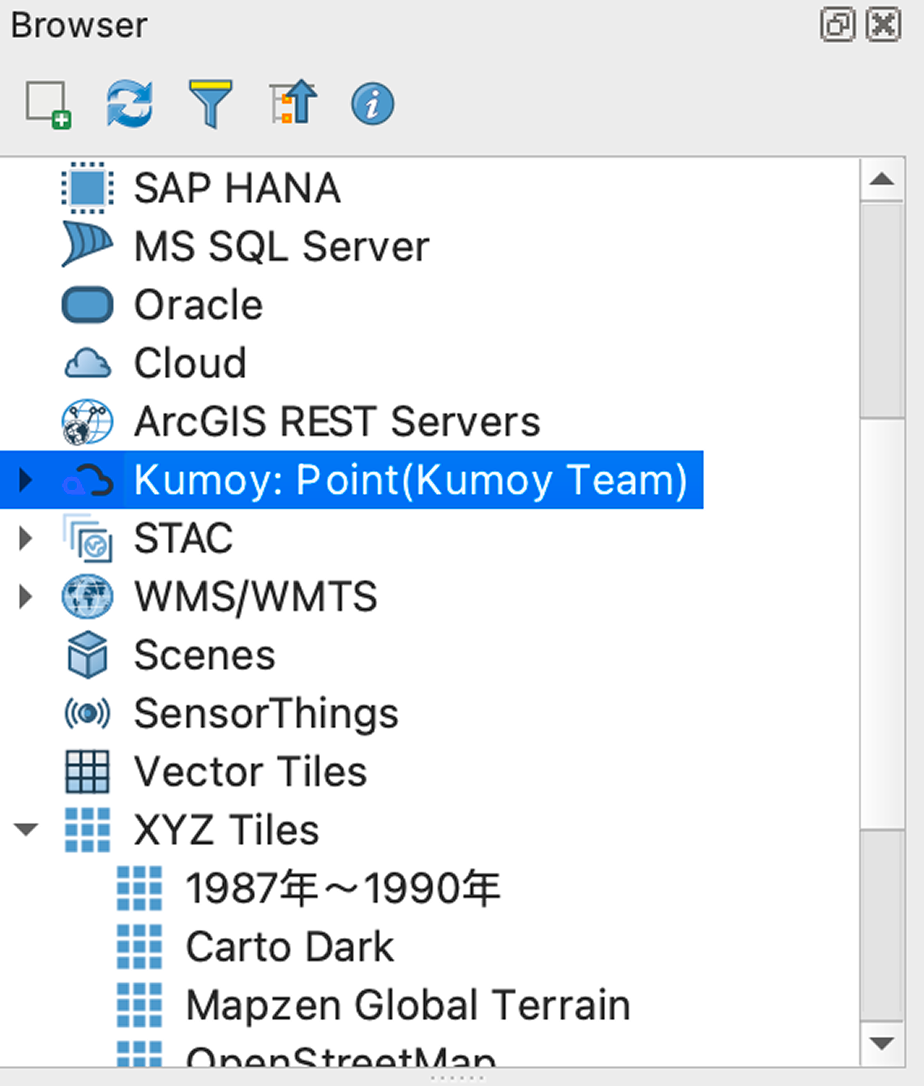
The active organization and project switch.
TipBy default, you see projects from all your teams. Use the dropdown in the top right to filter by a specific team.
Last update: Oct 7, 2026 23:52:25