Usage and Capacity Management
In Kumoy, you can check your current plan, storage capacity, projects, vectors, rasters, maps, and other usage from the web app or QGIS.
Usage is managed at the organization level. For plan limit values, see Plan Limits.
Check Usage on Web#
-
Log in to Kumoy.
-
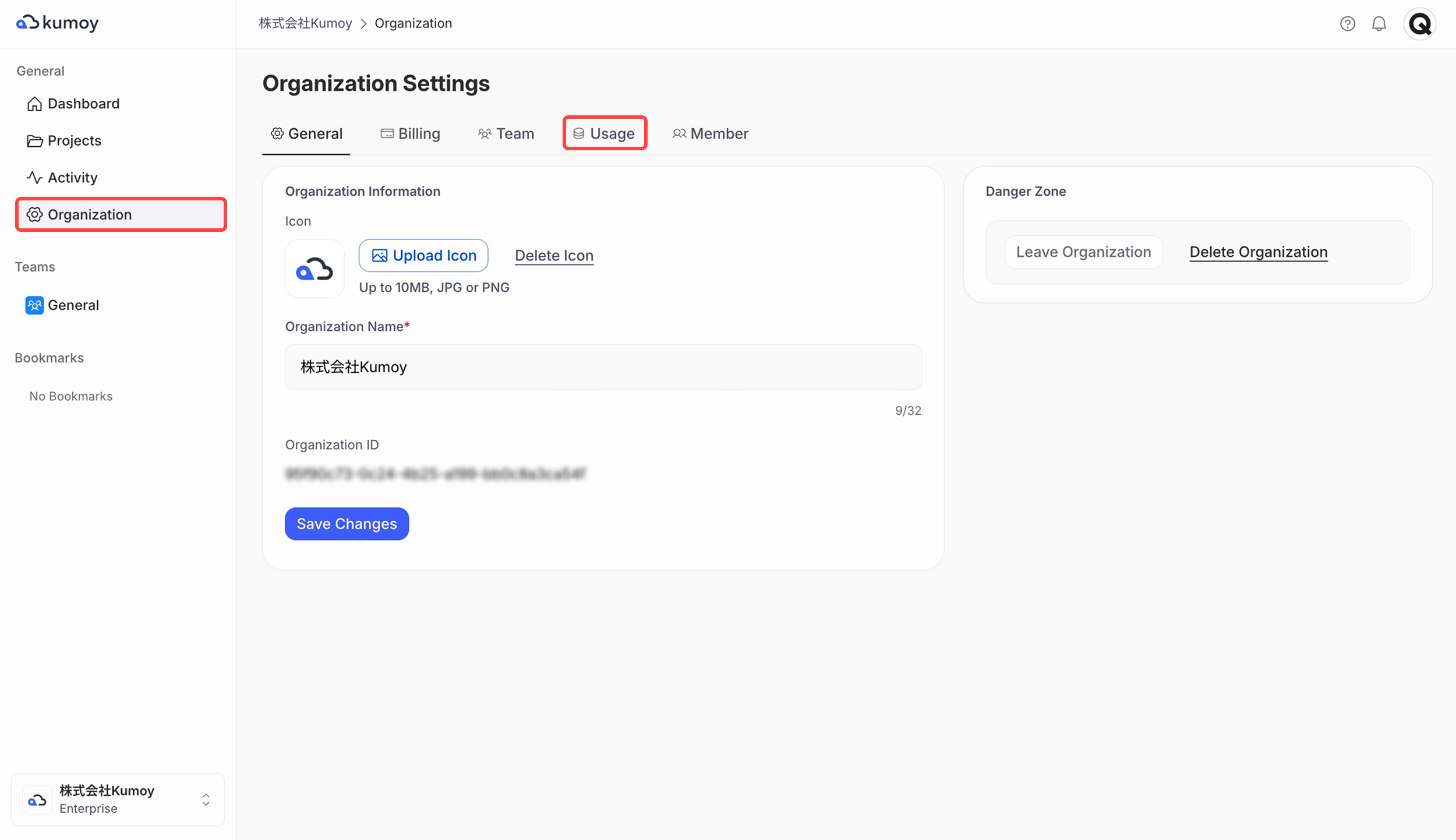
Open the Organization tab, then click the Usage sub-tab.
-
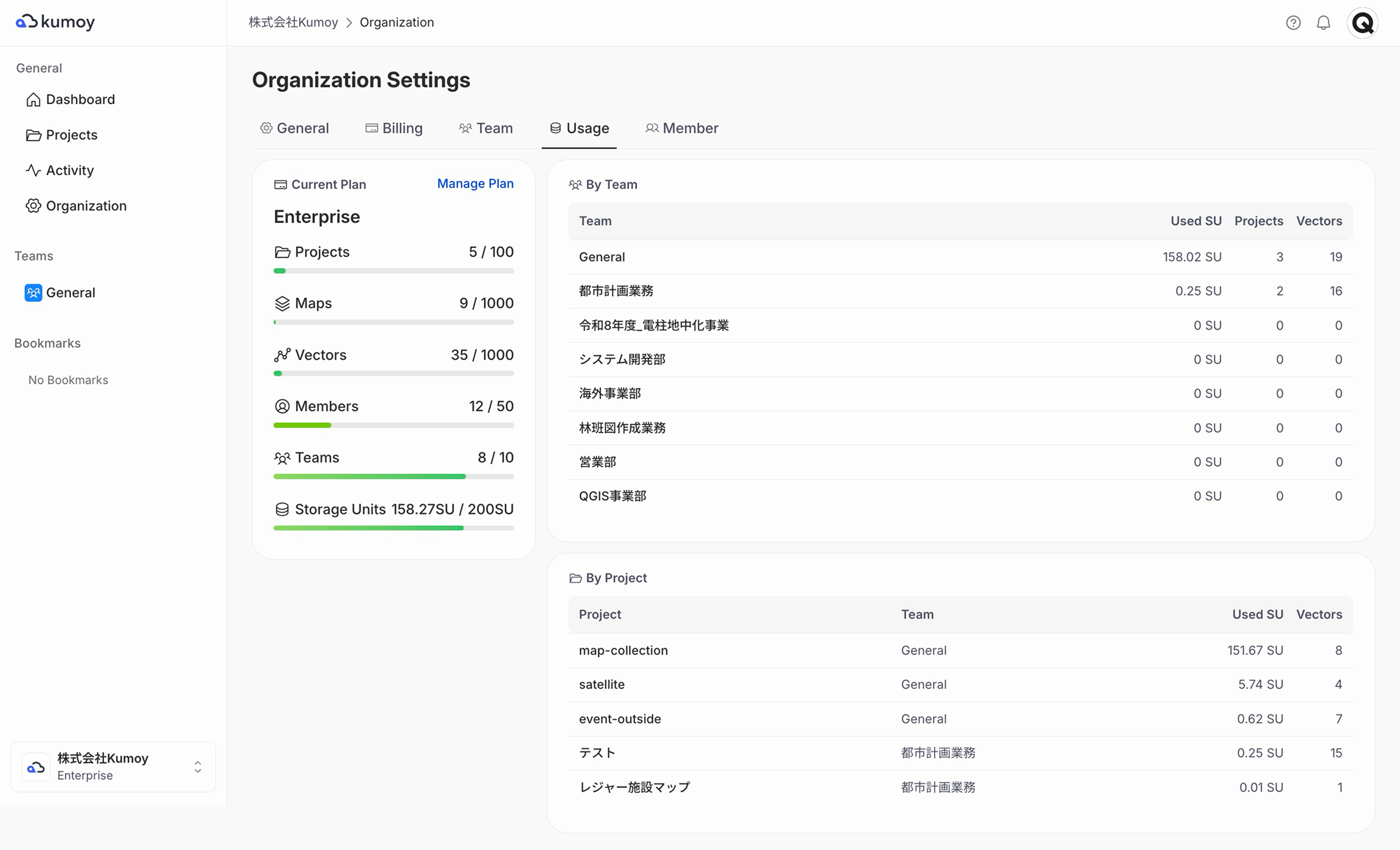
You can check your current plan, data capacity, various limits (projects, vectors, rasters, etc.), and SU usage by team and project.
Check Usage in QGIS#
-
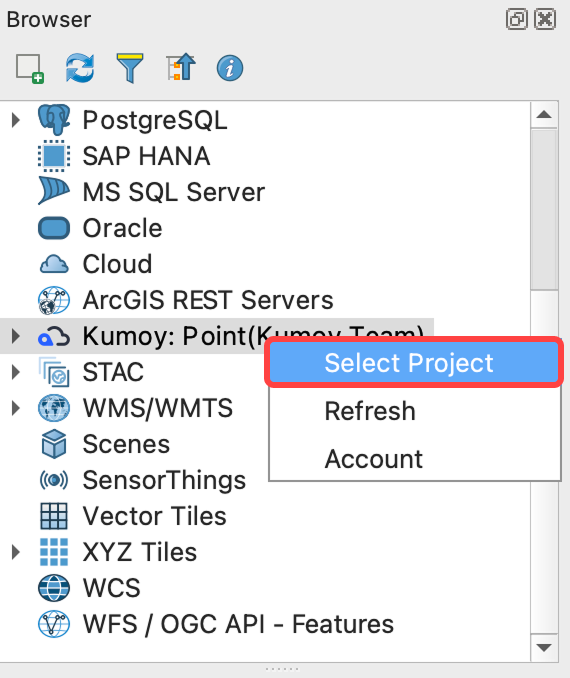
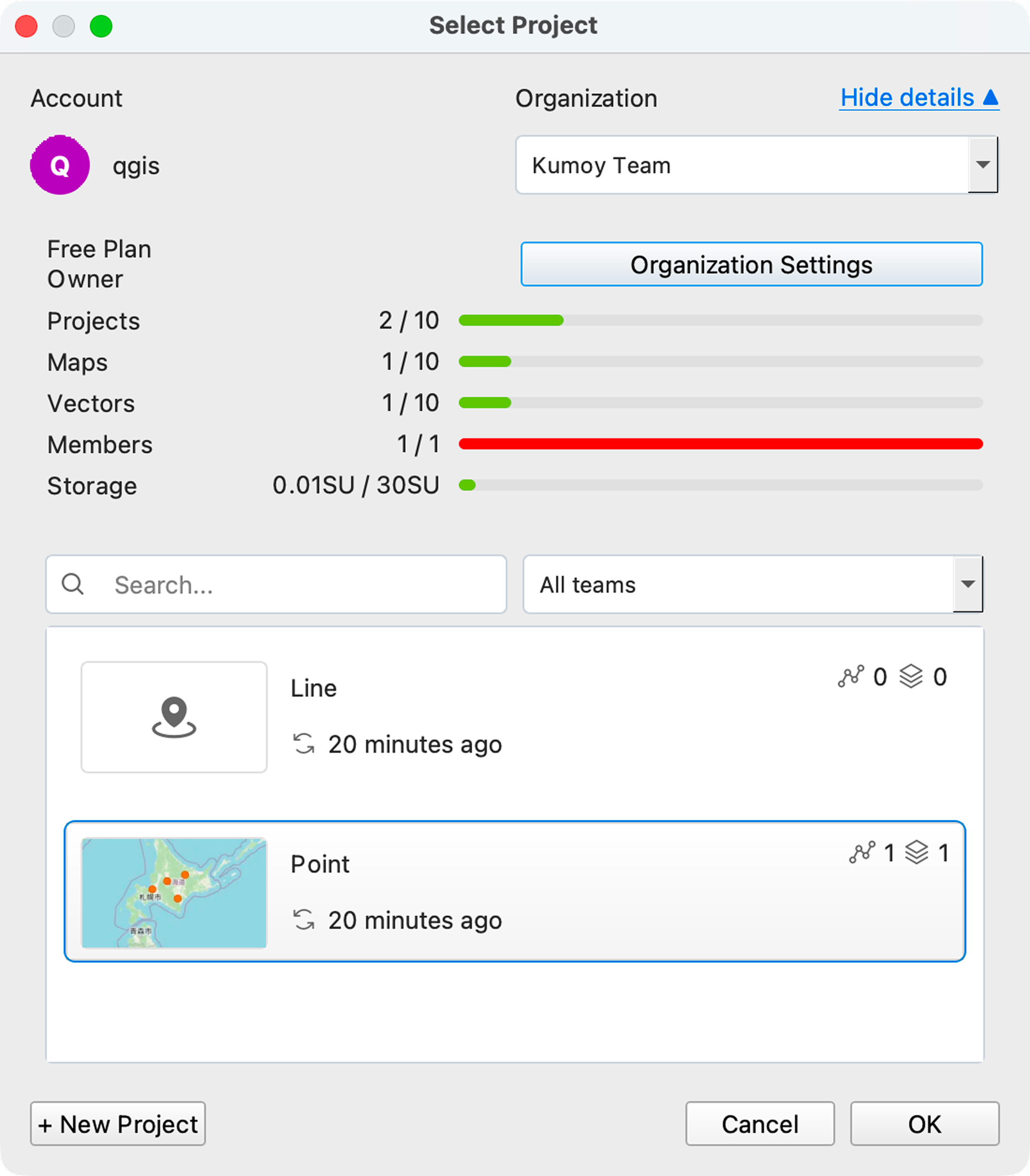
Open QGIS, right-click Kumoy in the Browser panel, and click Select Project.
-
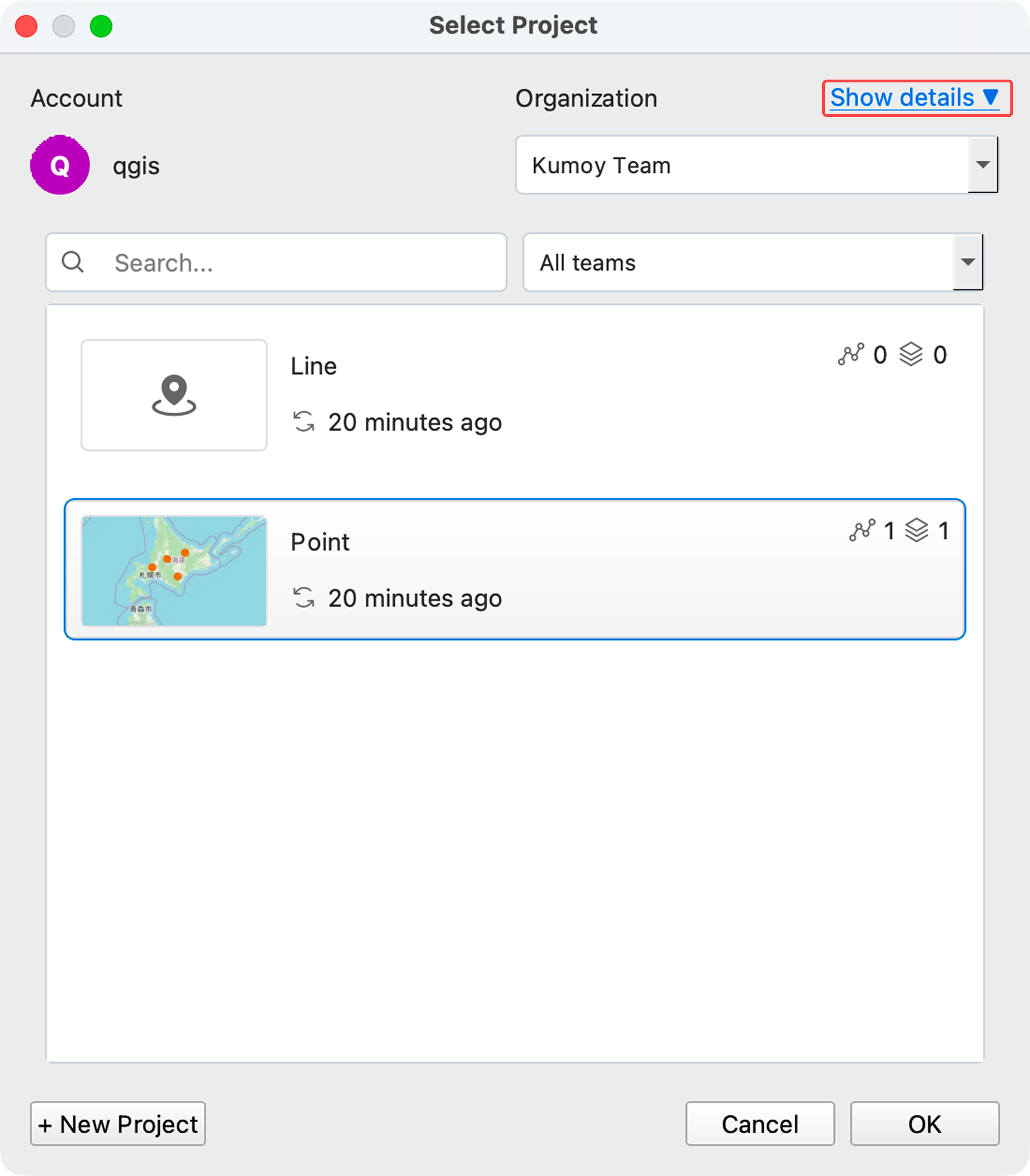
Click Show details.
-
At the top of the screen, you can check your current plan, data capacity, and usage against various limits (projects, vectors, rasters, etc.).
Last update: Oct 7, 2026 23:52:25