Organization
An organization is the top-level unit in Kumoy for managing members, teams, and usage in one place. It serves as the foundation for sharing projects and data across multiple users.
About Organizations#
- Members, teams, and projects are all managed within a single organization.
- Each project belongs to an organization and is assigned to exactly one team.
- Usage (such as storage) is calculated at the organization level.
- A user can be a member of multiple organizations.
- Each organization member is assigned a seat type that determines whether they can create or edit maps and data.
- Organization management features are available on the Business plan and above, allowing you to invite members and control sharing permissions at the team level.
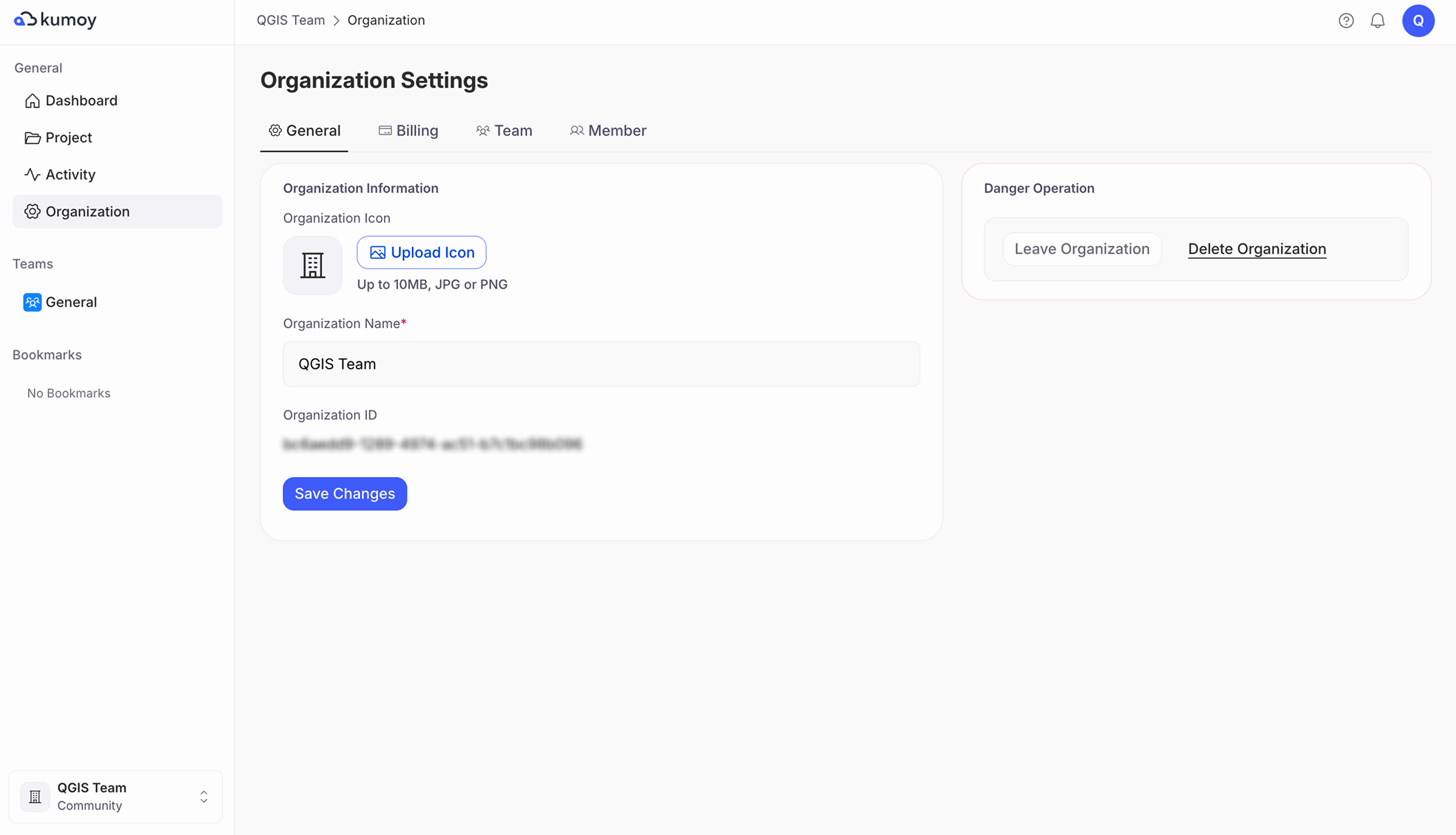
What an Organization Contains#
The basic hierarchy in Kumoy is as follows:
- Organization: The top-level entity. It holds the subscription plan, tracks global usage, and manages all members and teams.
- Team: A subgroup within an organization that defines sharing permissions and access levels (view/edit) for specific projects.
- Project: The primary workspace for your maps. It acts as a container where vectors, rasters, and maps are managed.
- Vector: Vector data managed in the cloud.
- Raster: Raster data managed in the cloud.
- Map: A saved and published state of a QGIS project.
What Is the Organization Management Feature?#
With the organization management feature, you can divide members into teams and manage the sharing permission of projects.
For details, see the following pages:
- Working Together in Kumoy: The concepts and procedures of the organization management feature.
- Seats and Roles: The difference between editing access and organization management permissions.
- Manage Organization Members: How to invite members and change organization roles and seat types.
- Manage Teams: How to configure team roles.
Switching Organizations#
Kumoy users can belong to multiple organizations and switch between them at any time.
For step-by-step instructions, see Select Organization & Project.
Creating a New Organization#
Kumoy users can create multiple organizations from the web.
For specific steps, refer to Create an Organization.
NoteYou can have up to 2 organizations on the Community plan. Upgrading one to the Pro plan or above frees up a slot, allowing you to create a new Community organization.
Last update: Oct 7, 2026 23:52:25