Map Interface
This page describes the Kumoy web map interface. Knowing what each area does helps you navigate the map, inspect attributes, and share your work smoothly.
Interface#
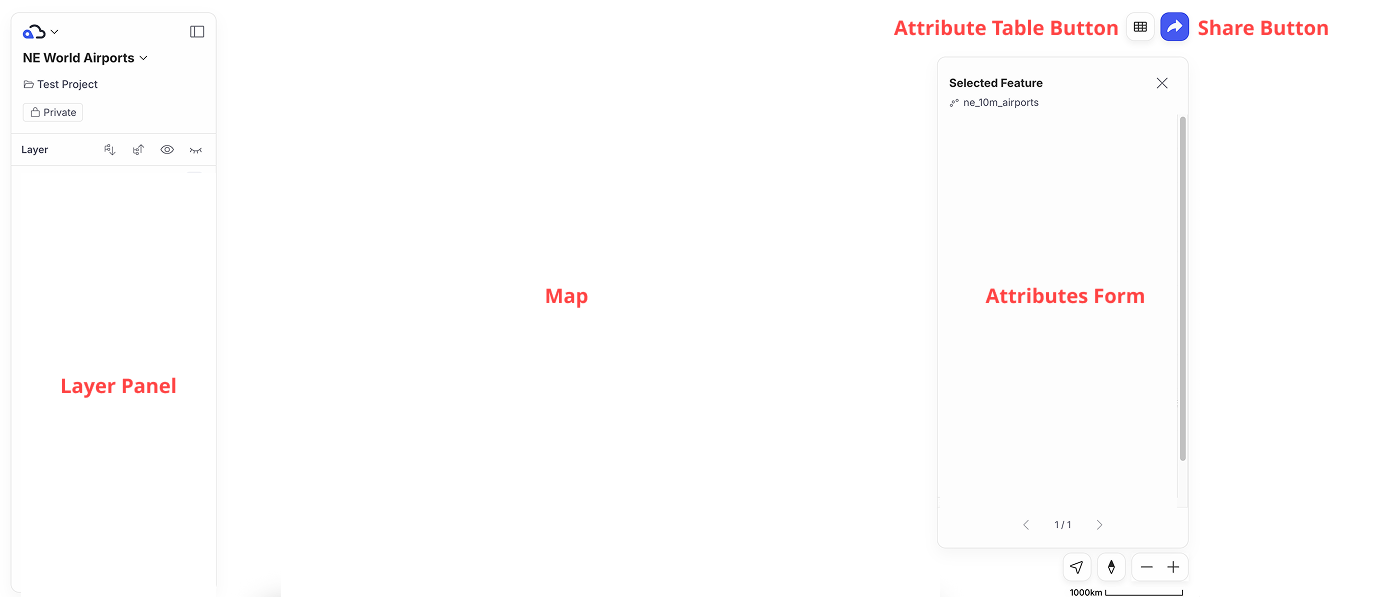
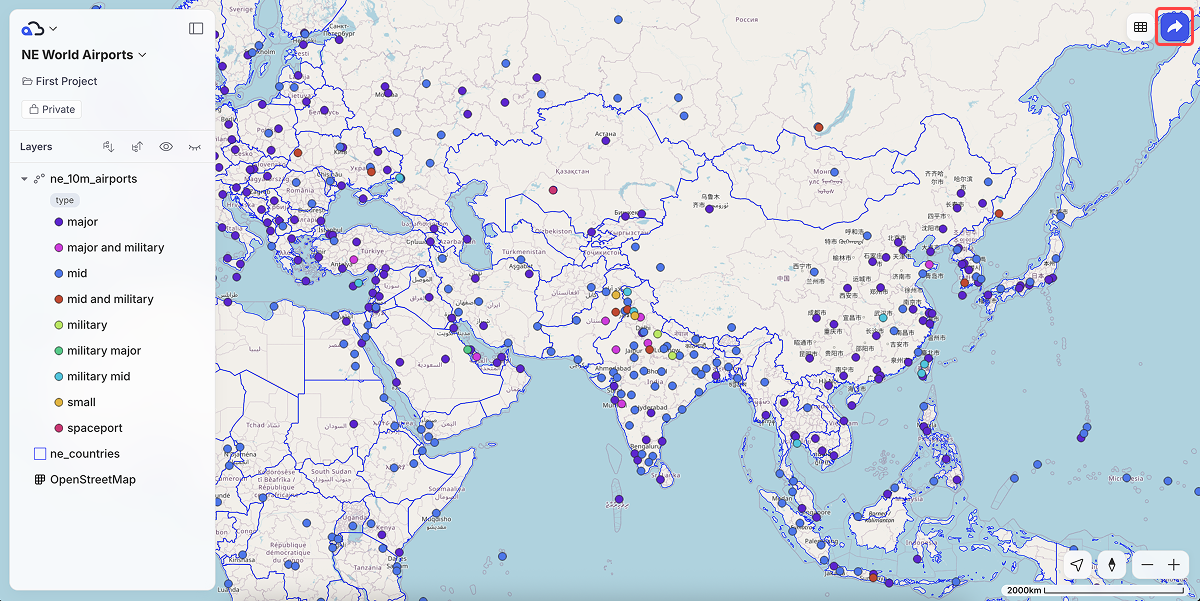
The Kumoy map interface consists of the following main elements: Layer Panel, Map, Attribute Form, Attribute Table Button, and Share Button.
Layer Panel#
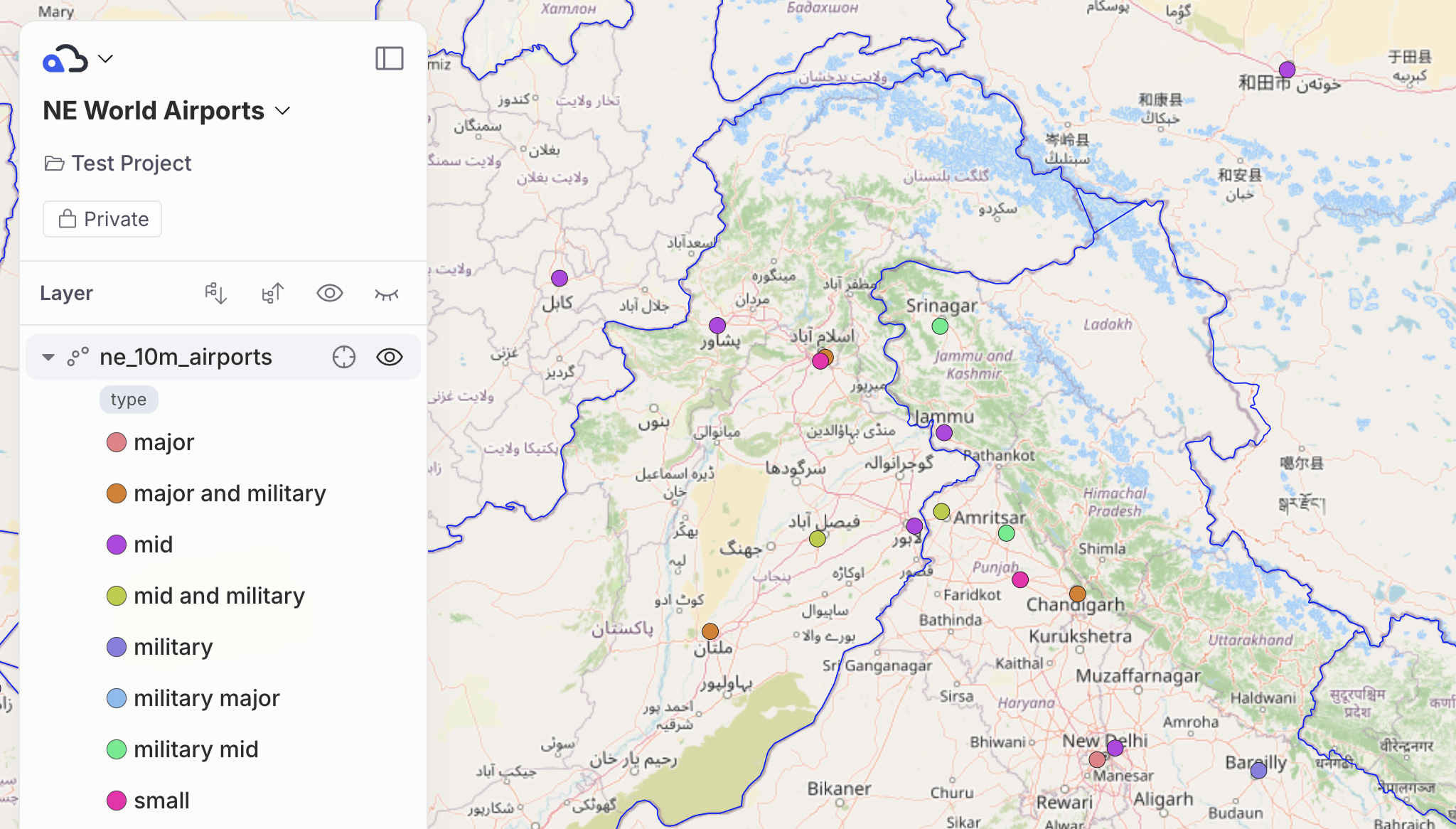
The top of the Layer Panel lets you toggle the panel's visibility, change the map name and description, and update the map's publication settings.
The bottom of the Layer Panel lets you toggle layer visibility and expand/collapse legends.
Map Canvas#
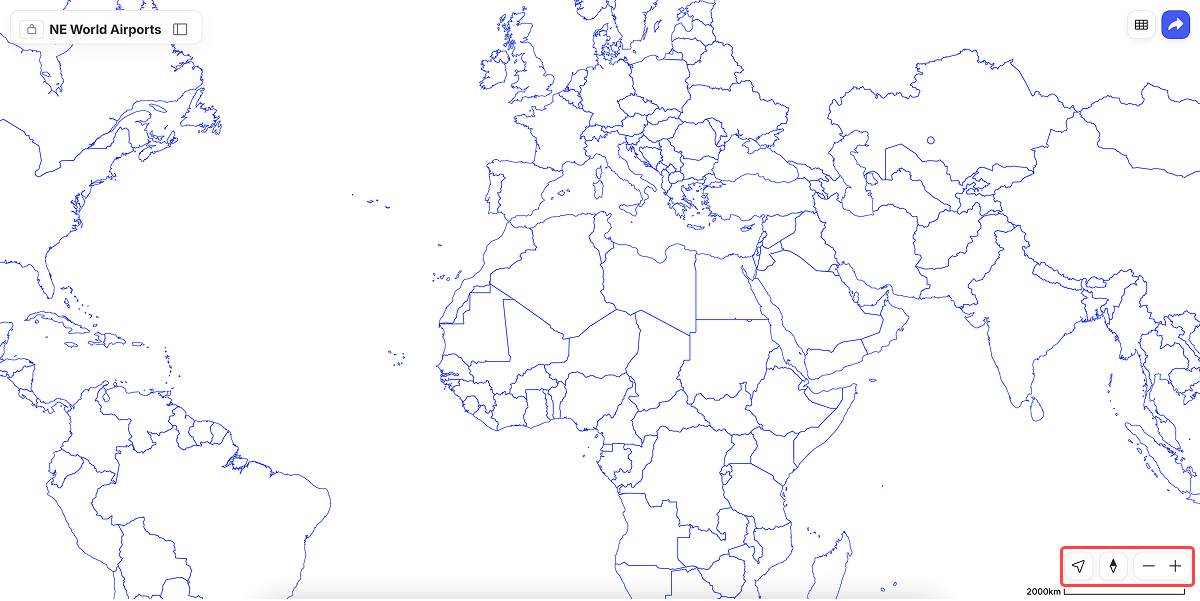
You can navigate the map in these ways:
- Pan: Click and drag.
- Zoom: Scroll with the mouse wheel, press
+/-, use the on-screen+/-buttons, or hold Shift and drag to zoom to a selection. - Rotate: Hold the right mouse button and drag. Click the compass icon at the bottom right to reset to north-up.
- Current location: Click the location button at the bottom right to center on your position using the device's GPS (mobile only).
Attribute Form#
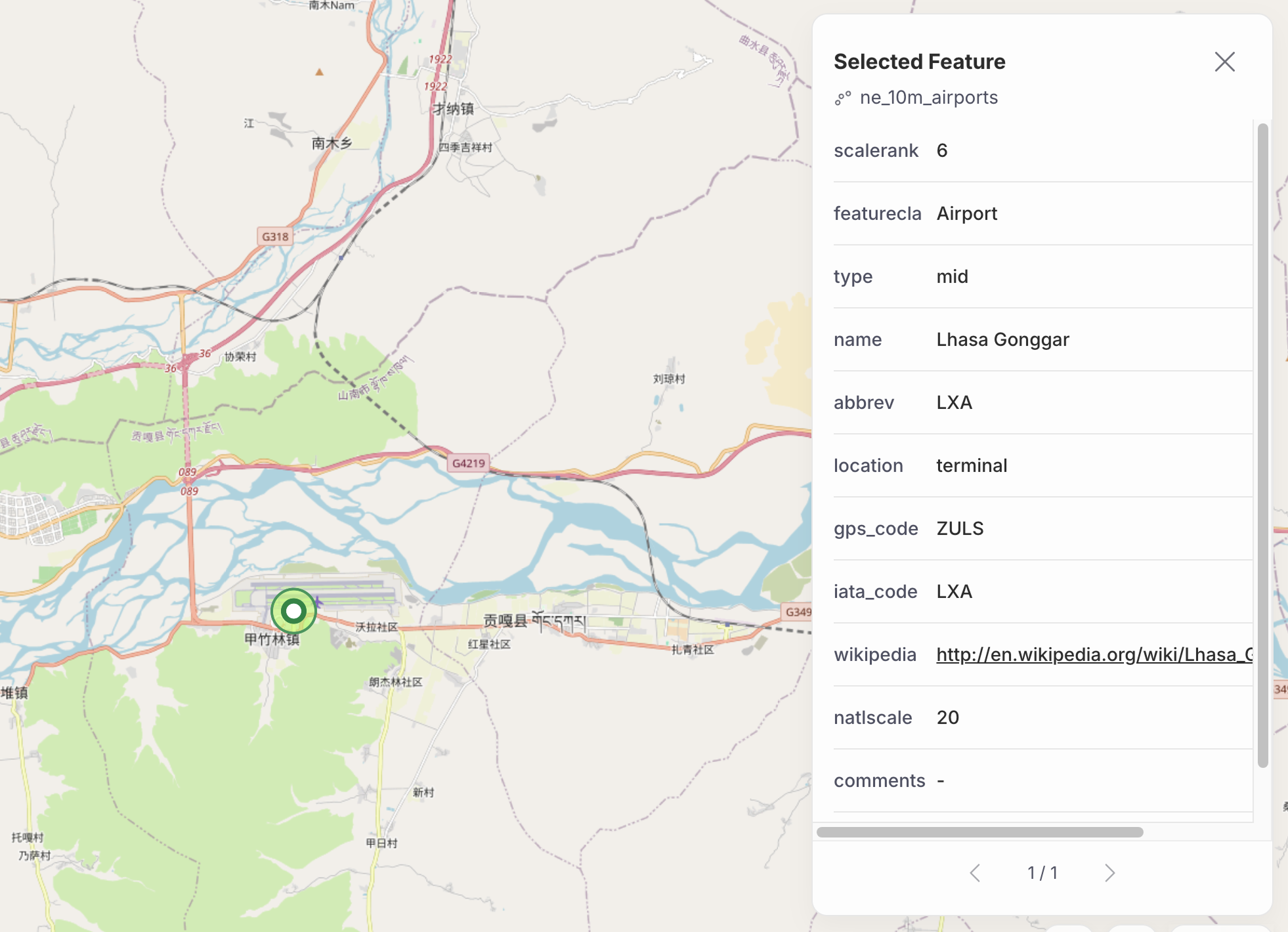
Clicking a feature on the map shows its attributes in the top right. If multiple features overlap at the click point, use the arrows in the attribute form to cycle through them.
Attribute Table#
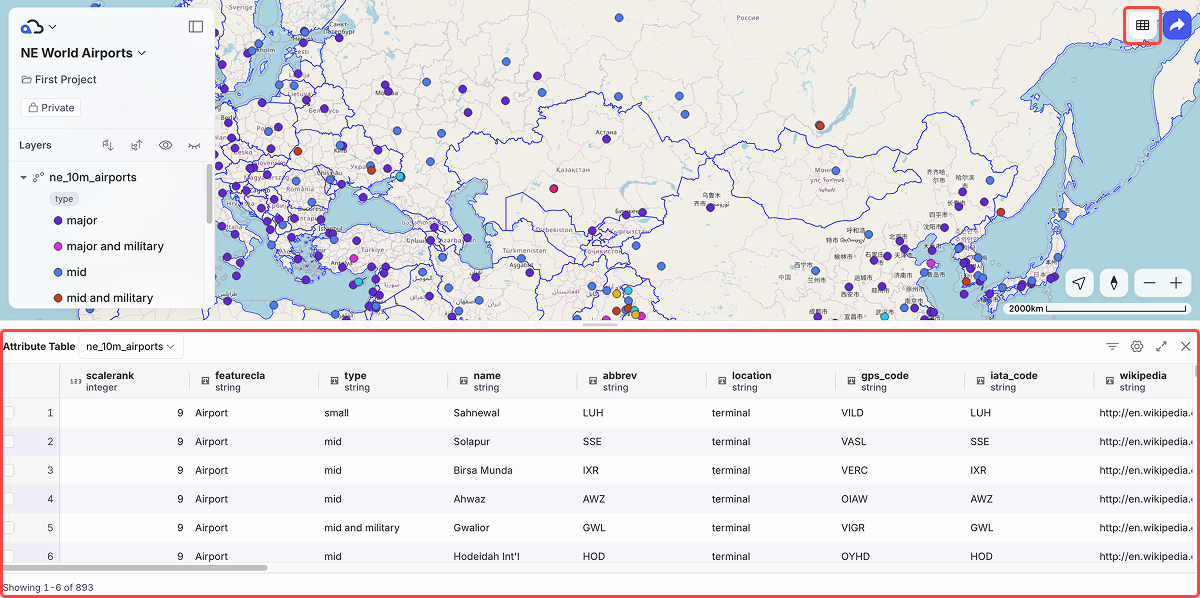
Click the attribute table button at the top right to open the attribute table, where you can browse, sort, and filter feature attributes. For details, see Manage the Attribute Table and Filters.
Share Button#
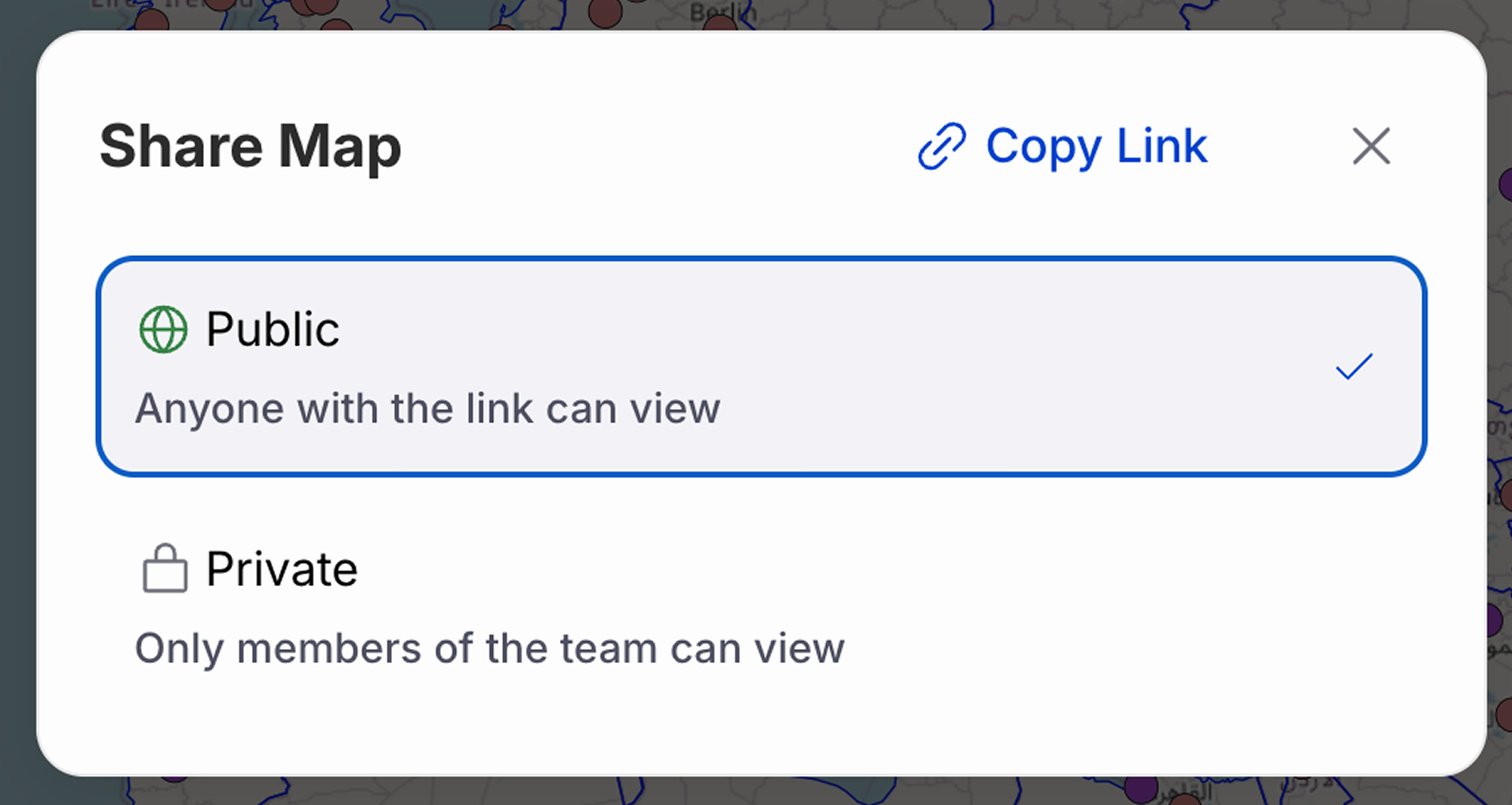
Clicking the Share button in the top right lets you change the map's publication settings or copy the URL to share it.
Last update: Oct 7, 2026 23:52:25