Delete Your User Account
This page explains how to permanently delete your Kumoy account. Read the notes below carefully before you proceed.
Delete Your User Account#
ImportantIf you are the sole owner of an organization, you must either transfer ownership to another member or delete the organization before deleting your account.
See Delete an Organization for the deletion steps, or update member roles in the organization settings.
-
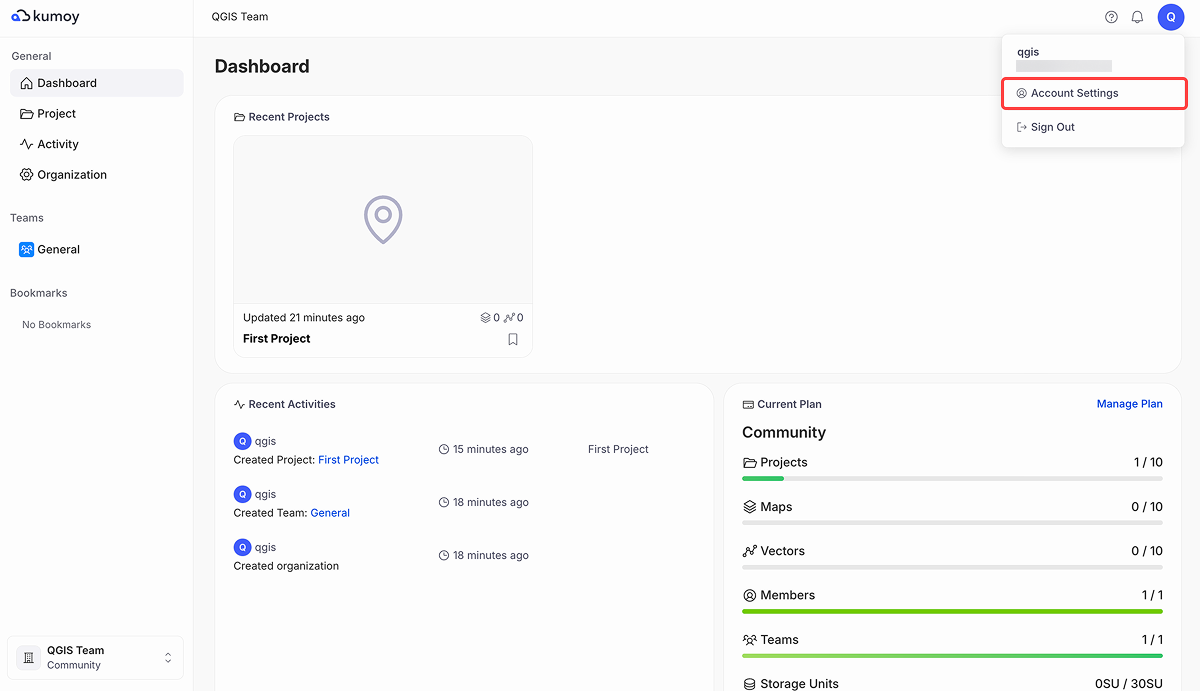
Click your username in the top right and navigate to Account Settings.
-
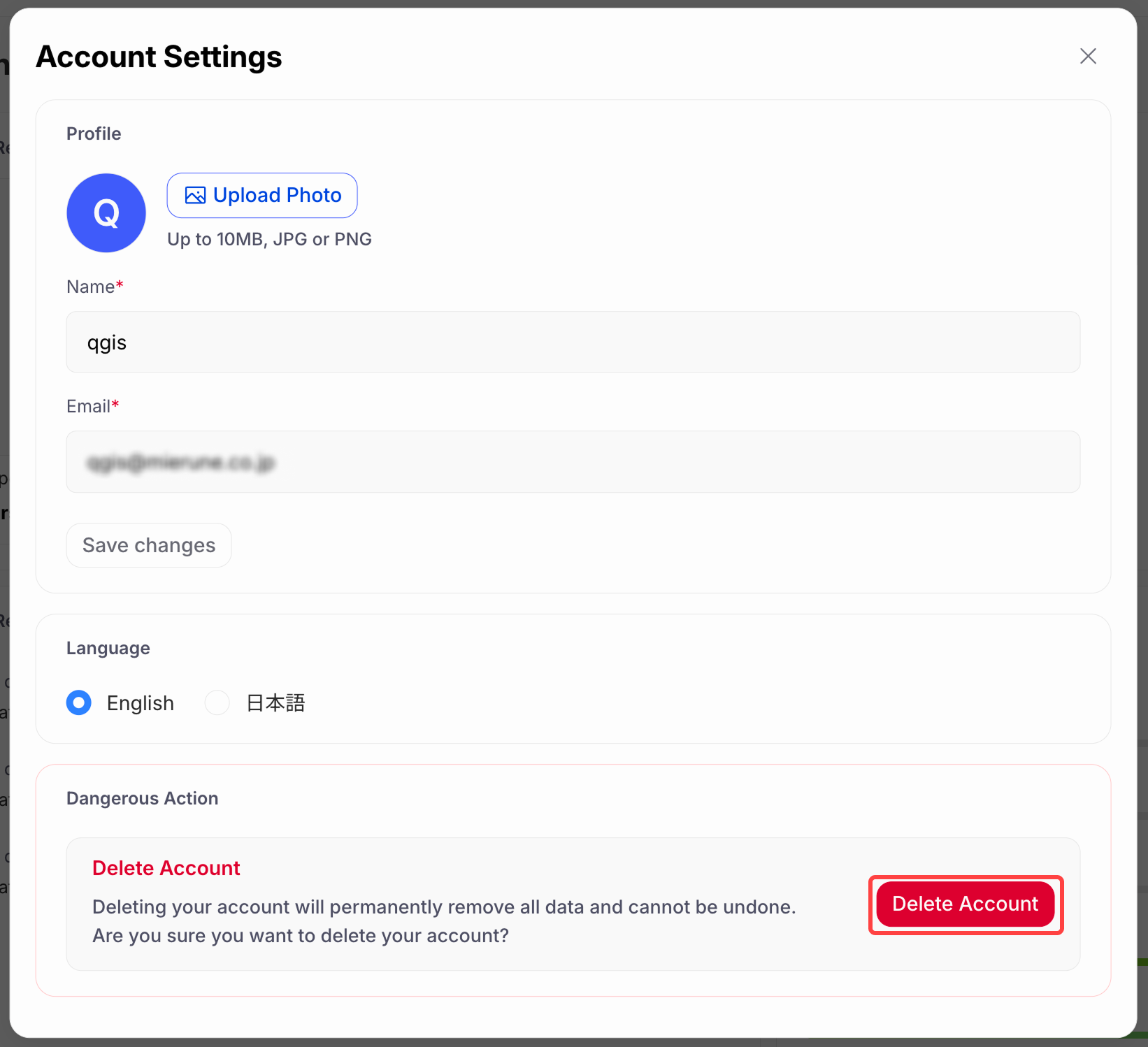
Click the Delete account button.
-
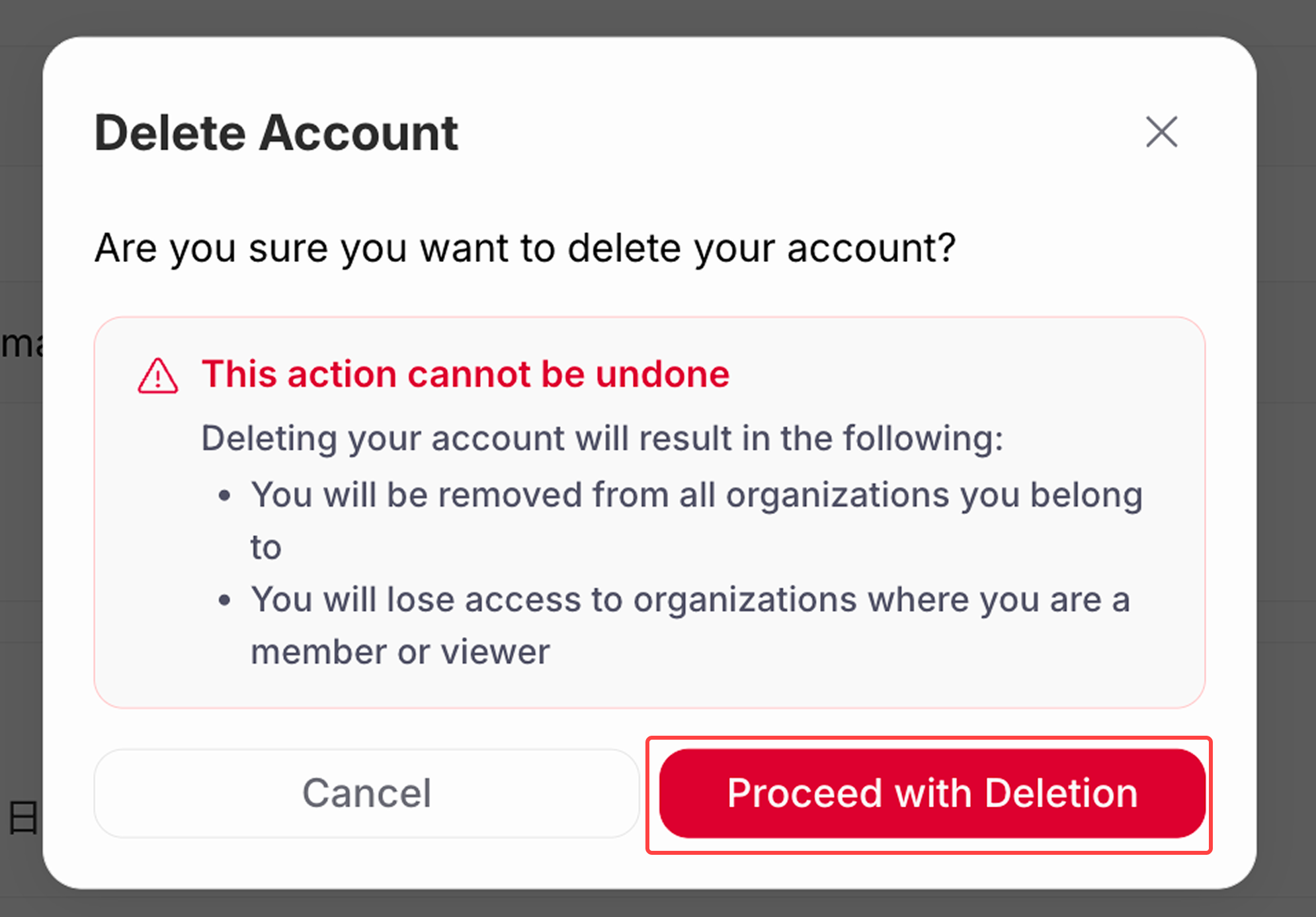
When asked "Are you sure you want to delete your account?", click Proceed with Deletion.
-
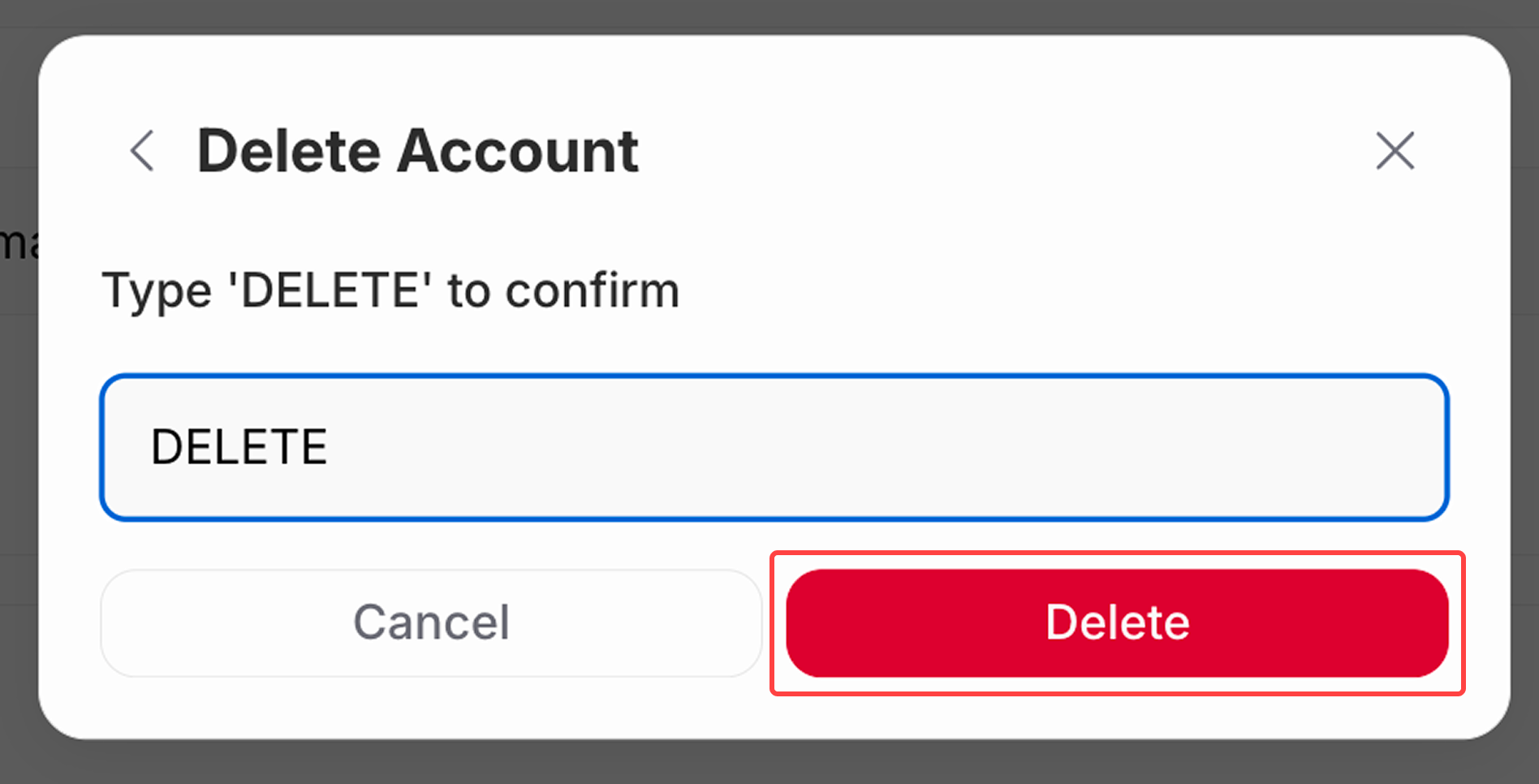
Type "DELETE" as instructed and click Delete.
-
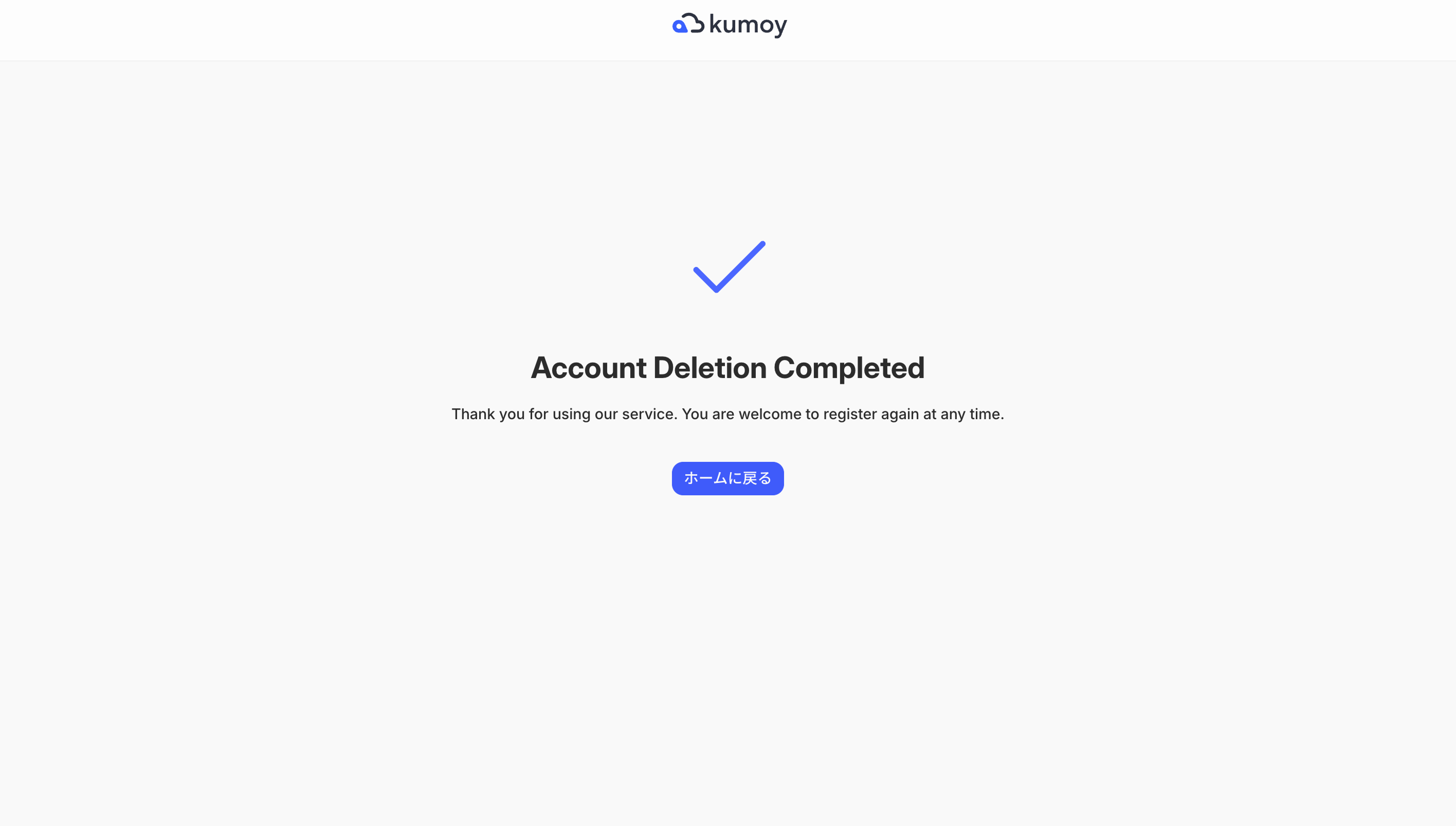
Your account is now deleted.
Last update: Oct 7, 2026 23:52:25