Sign Up for Kumoy
This page walks you through the Kumoy sign-up process. Once your account is ready, you'll move on to creating your organization and project.
Create an Account#
-
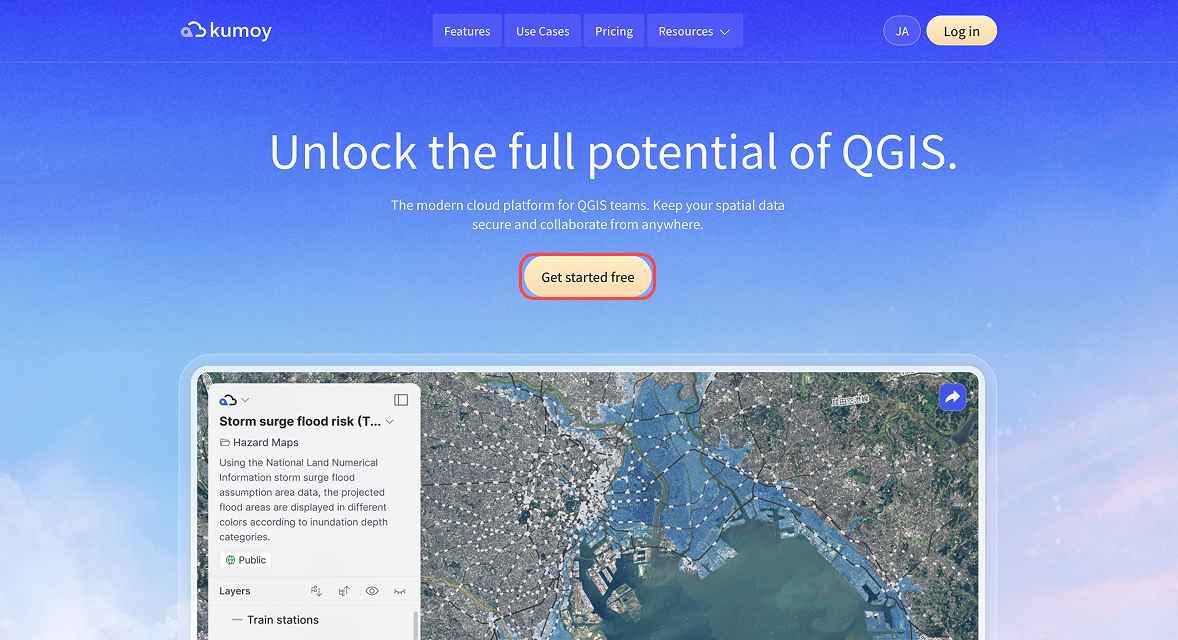
Go to the Kumoy website and click Get started free.
-
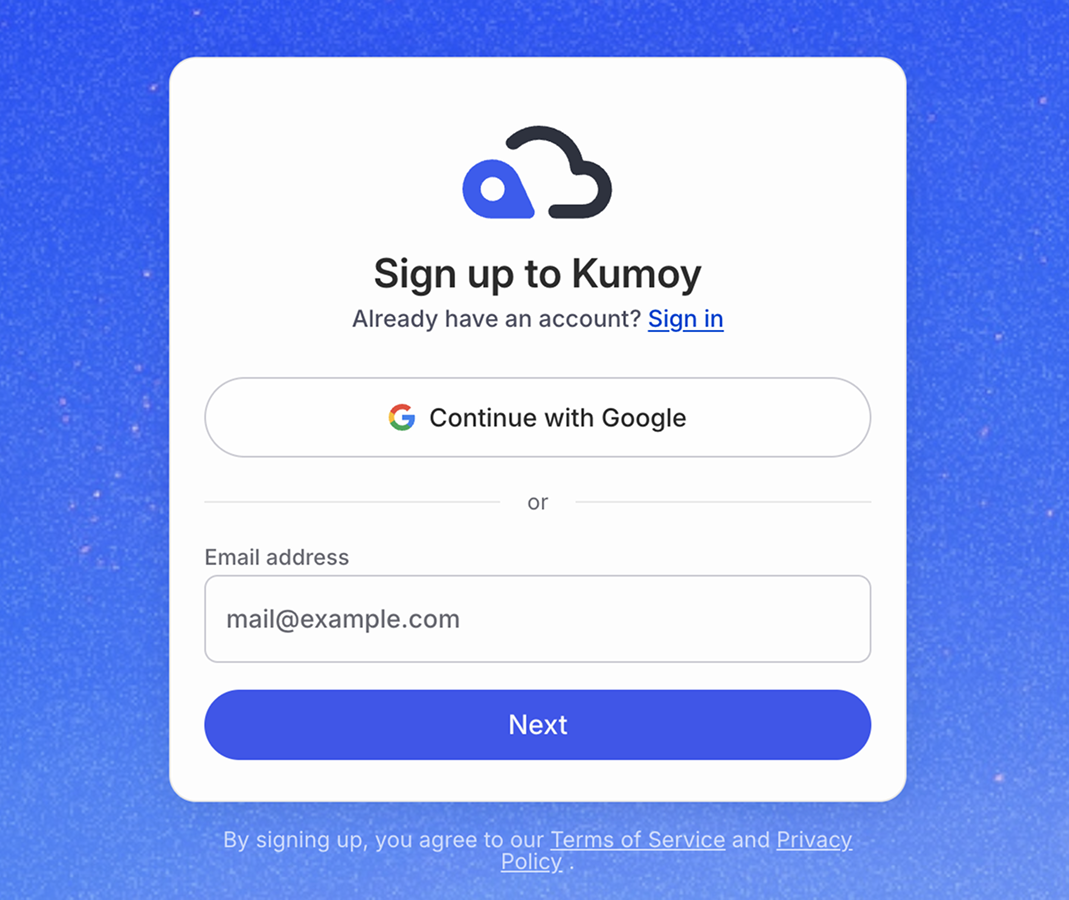
Click Continue with Google, or enter your email address and click Next.
 Note
NoteIf you signed up with Google, you can skip steps 3 and 4. They only apply when signing up with an email address.
-
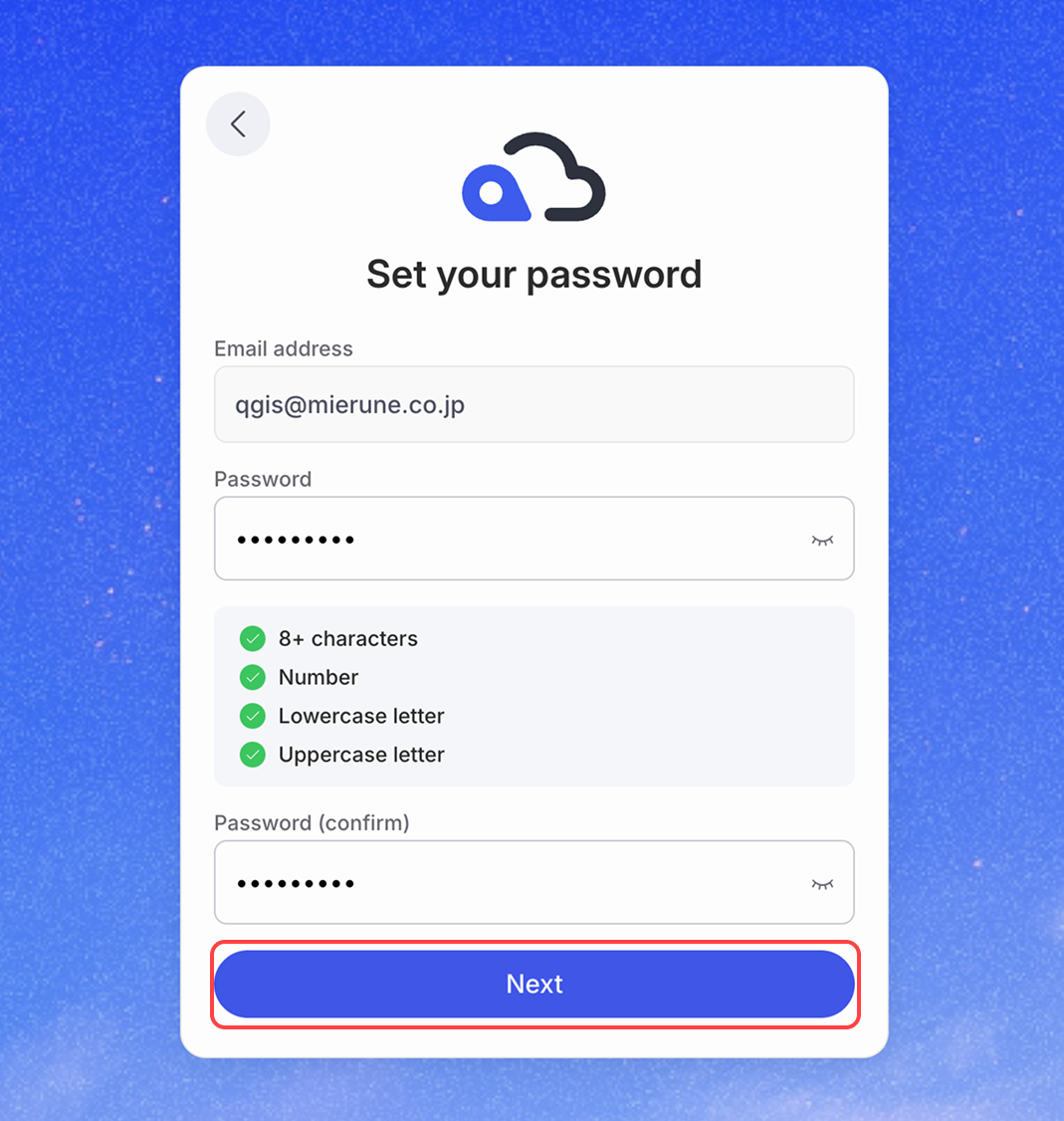
Set your password and click Next.
-
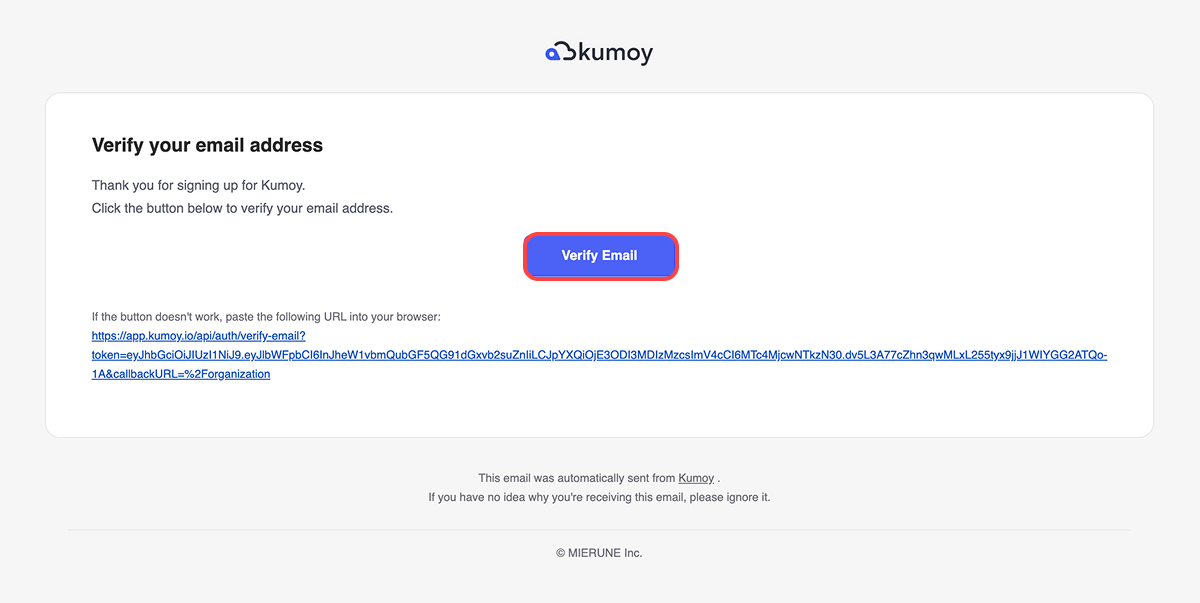
Open the verification email sent to the address you entered, then click the Verify Email button to confirm your account.
 Tip
TipIf the verification email does not arrive, try the following:
- Check your spam or junk folder
- Make sure you entered your email address correctly
- If you're using a corporate email, check whether your mail server is blocking it
If it still does not arrive after resending, try registering with a different email address.
-
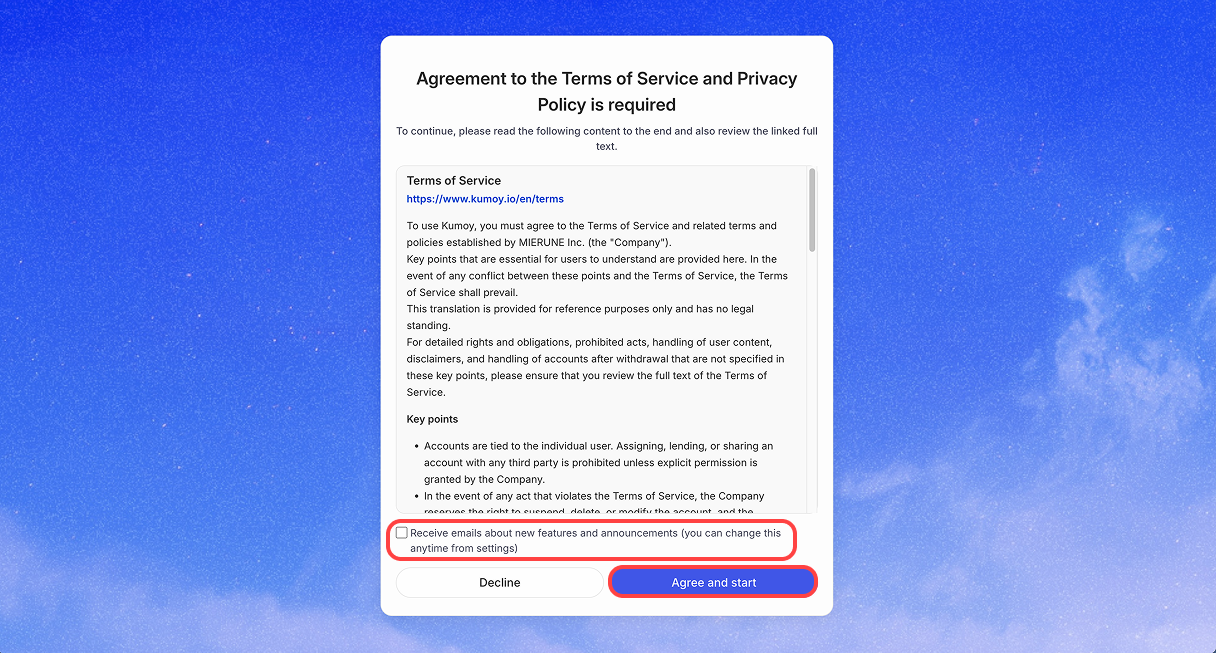
Review the Terms of Service and Privacy Policy, then click Agree and start. If you want to receive emails about new features and announcements, select the checkbox.
-
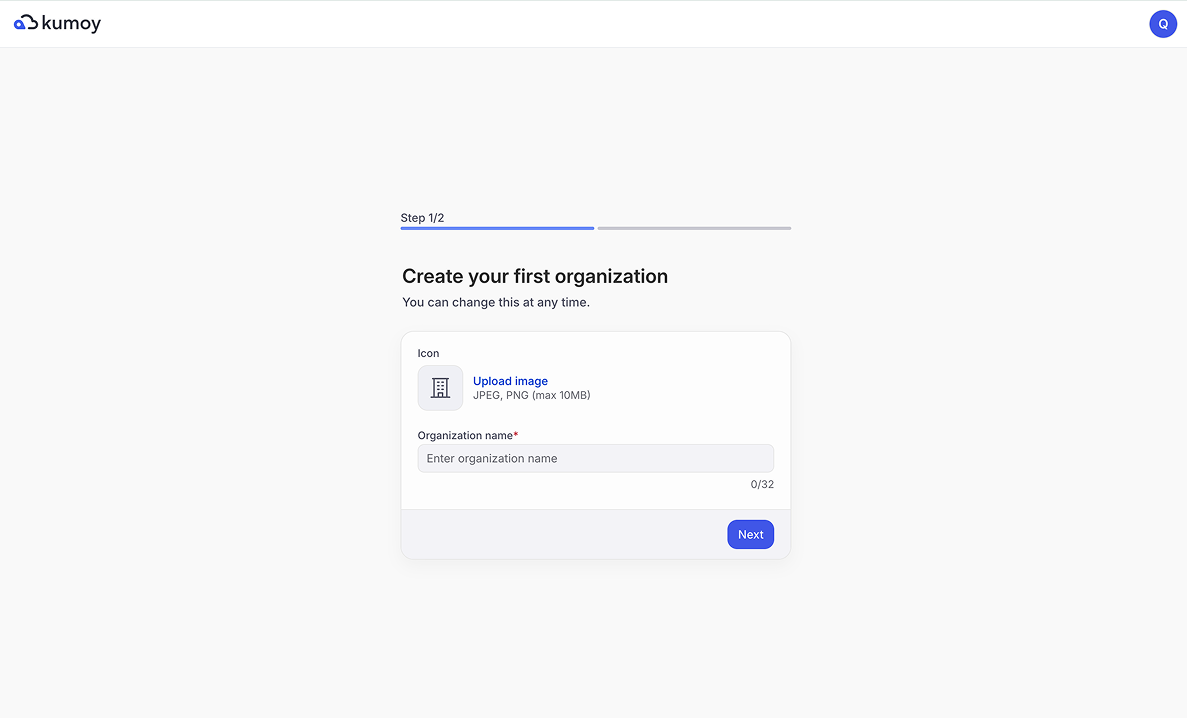
Once your account is created, you'll be taken to the Kumoy onboarding page.
Next Step#
Next up: Create an Organization and Project.
Last update: Oct 7, 2026 23:52:25