Create a New Project
Projects can be created from either the Kumoy web app or the QGIS plugin.
Create a Project (Web)#
-
Log in to Kumoy.
-
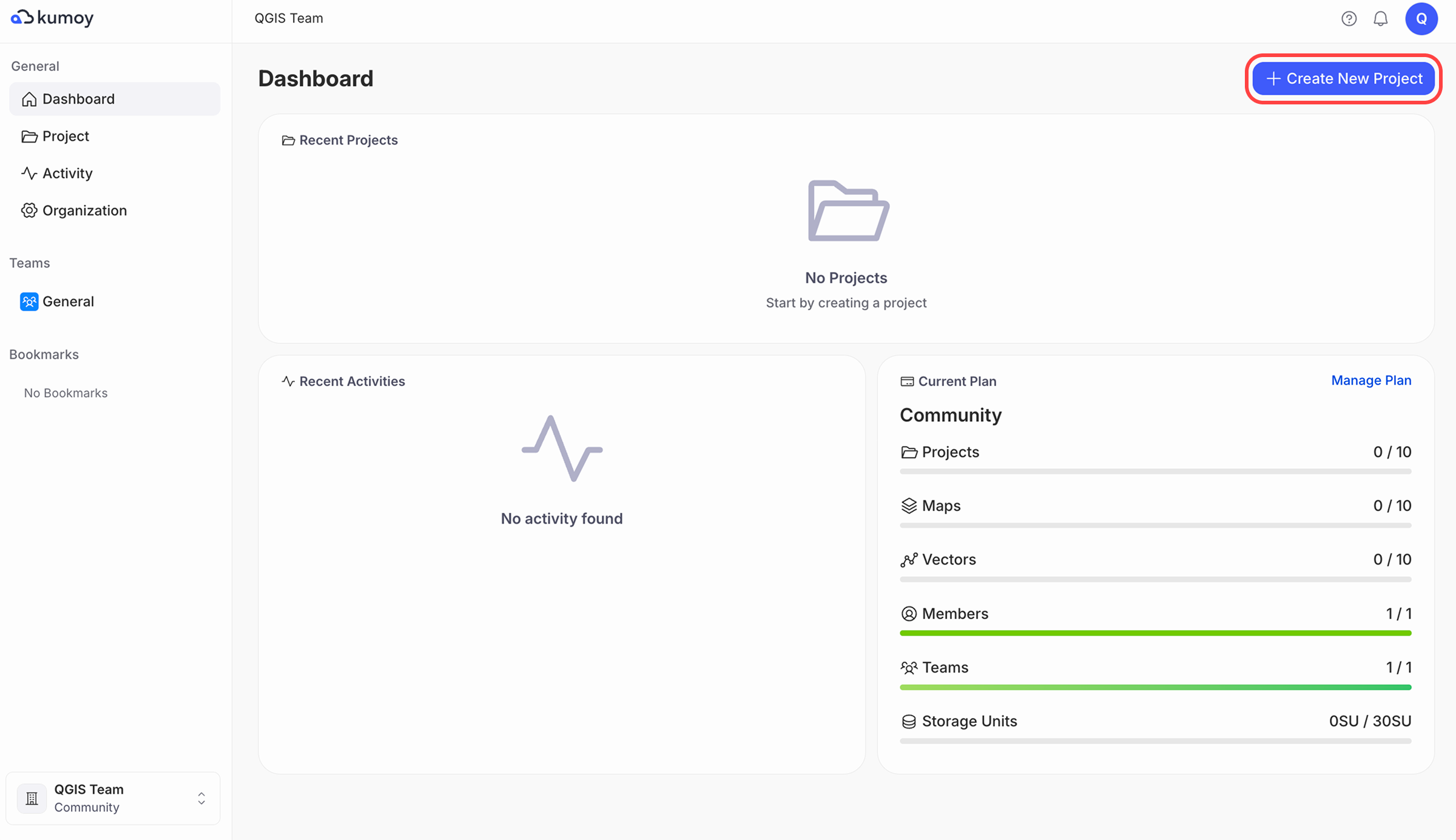
Click + Create new project in the top right of the Dashboard or Projects tab.
NoteIf + Create new project is not displayed, you may not have an Editor seat or may not be an Editor in a team. Check Seats and Roles, then create a team if needed and add the member who will create projects as a team Editor.
-
Select the Team, enter the Project name and Project description, then click Create.

-
The project is created and its page opens.

Create a Project (QGIS)#
-
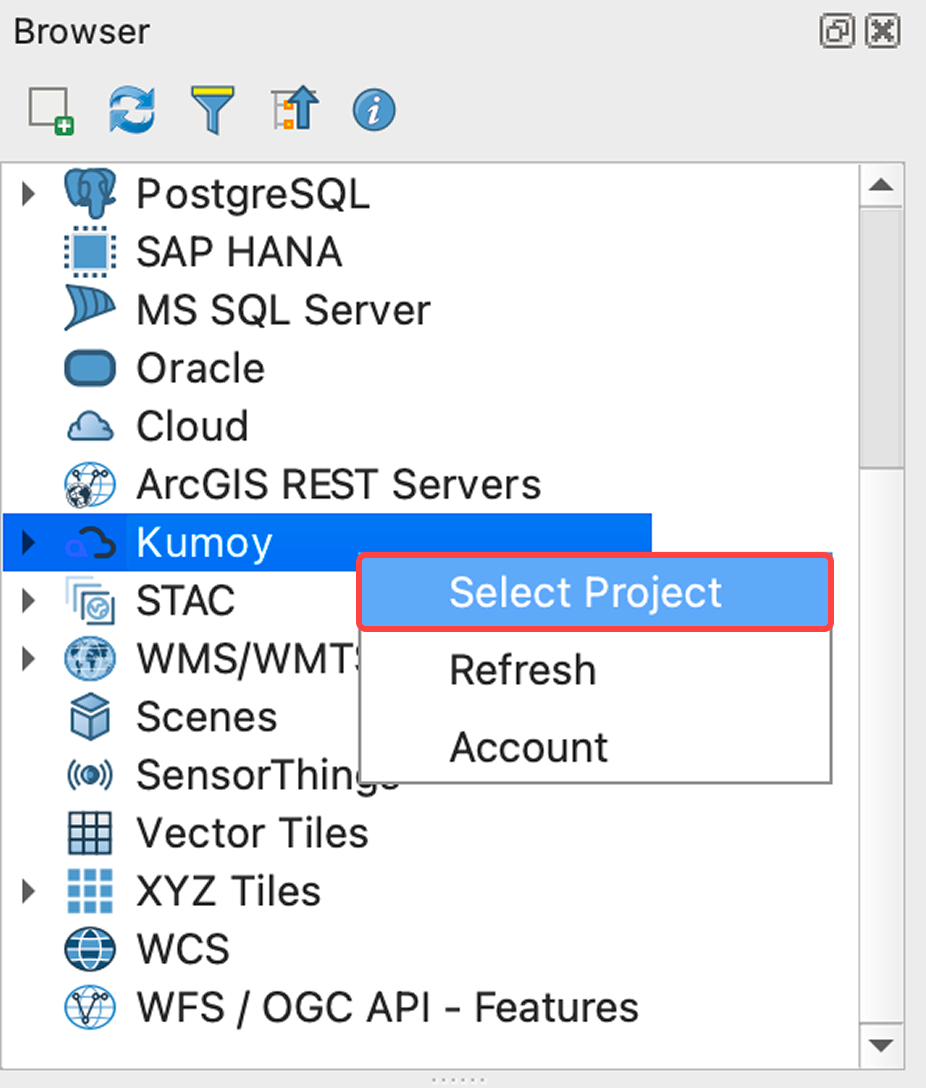
Open QGIS, right-click Kumoy in the Browser panel, and click Select Project.
-
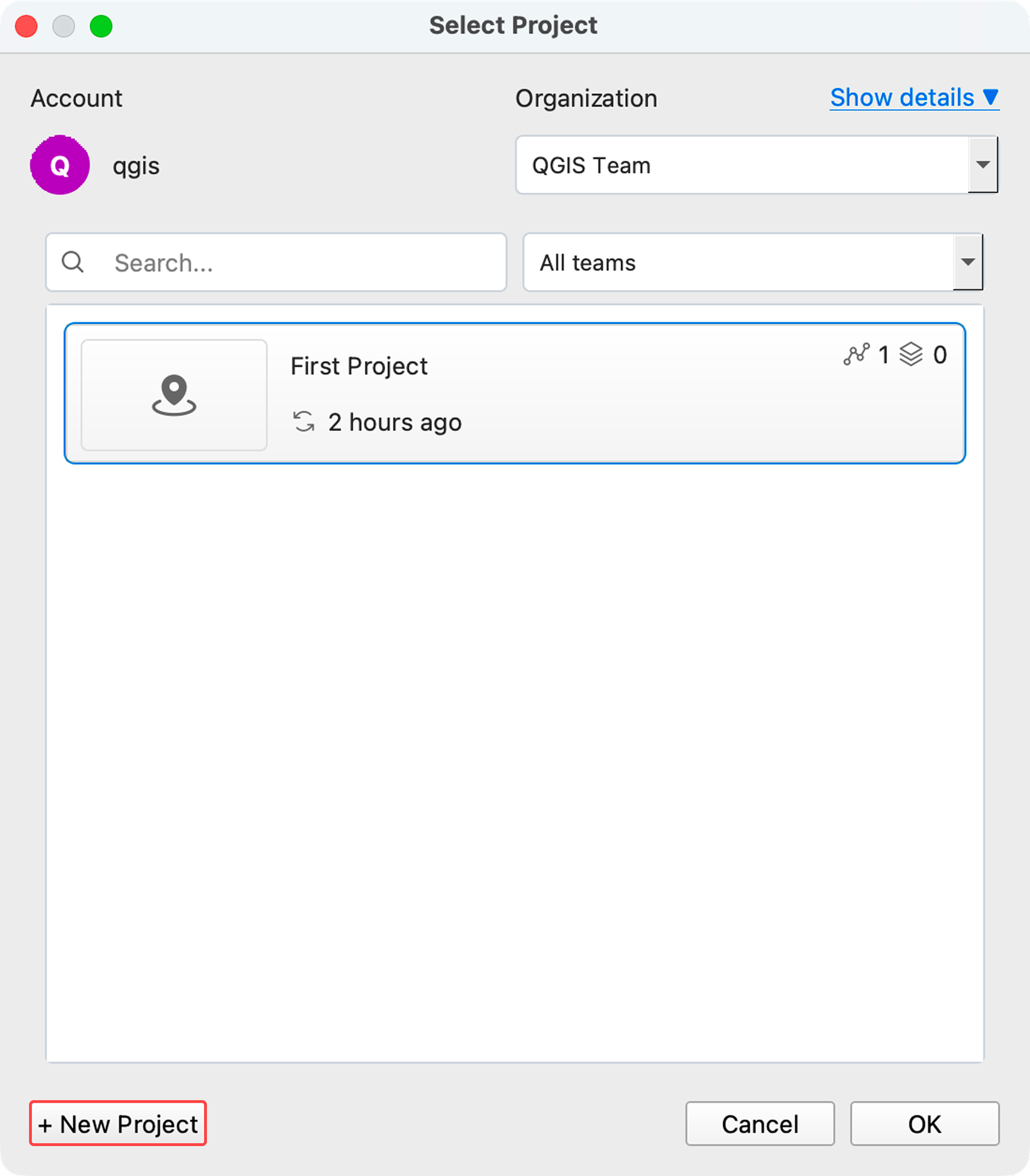
Click the + New Project button.
-
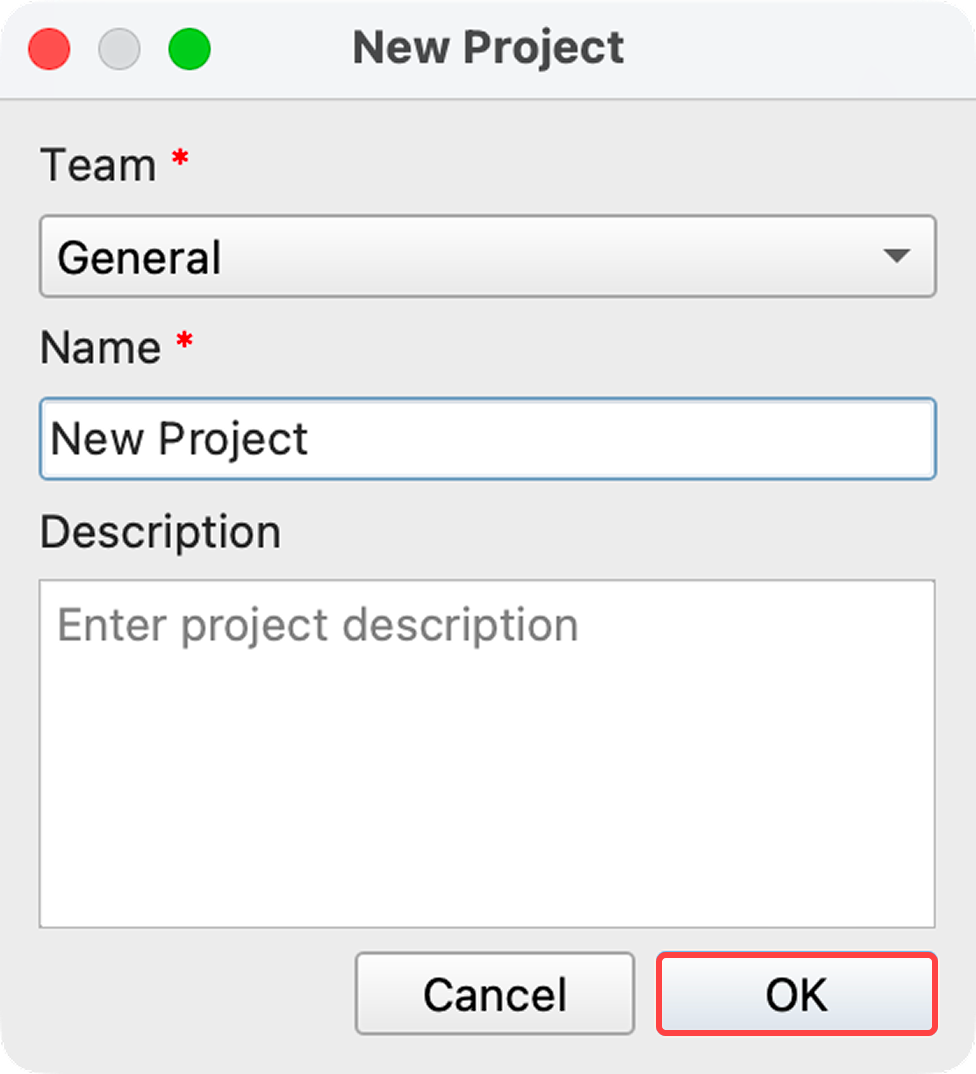
Select the Team, enter the project Name and Description, then click OK.
-
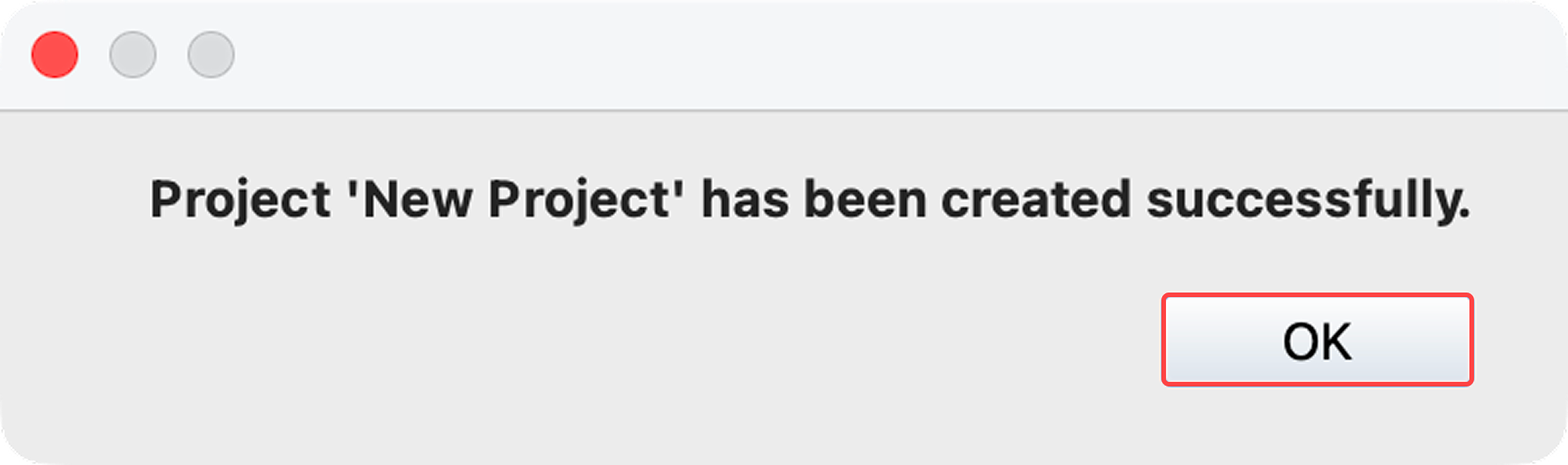
When the success message appears, click OK.
-
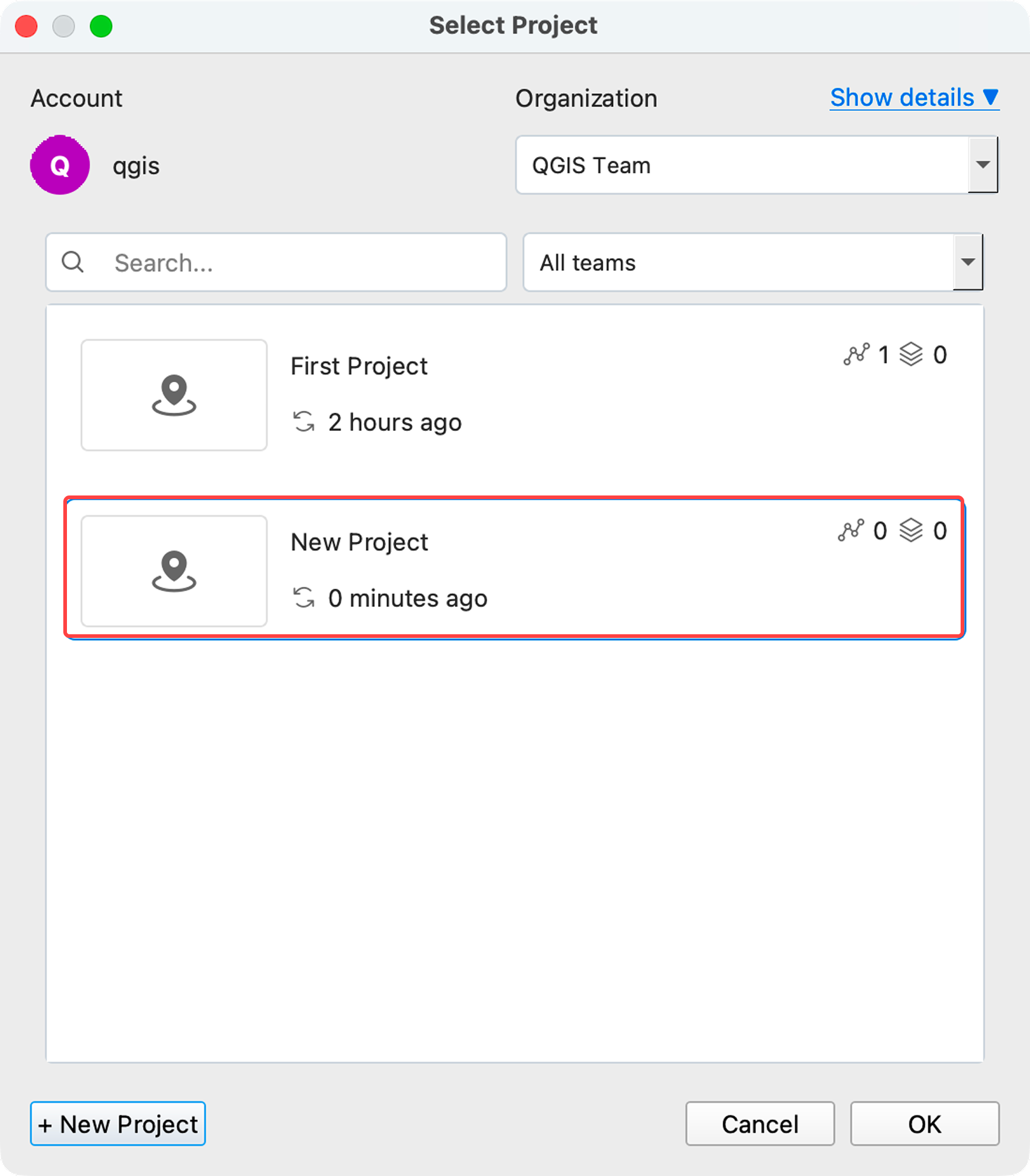
The project is created and can now be selected from the list.
Last update: Oct 7, 2026 23:52:25