View Maps on the Web
Kumoy lets you view saved maps directly in the browser.
QGIS Settings Reflected in Web Maps#
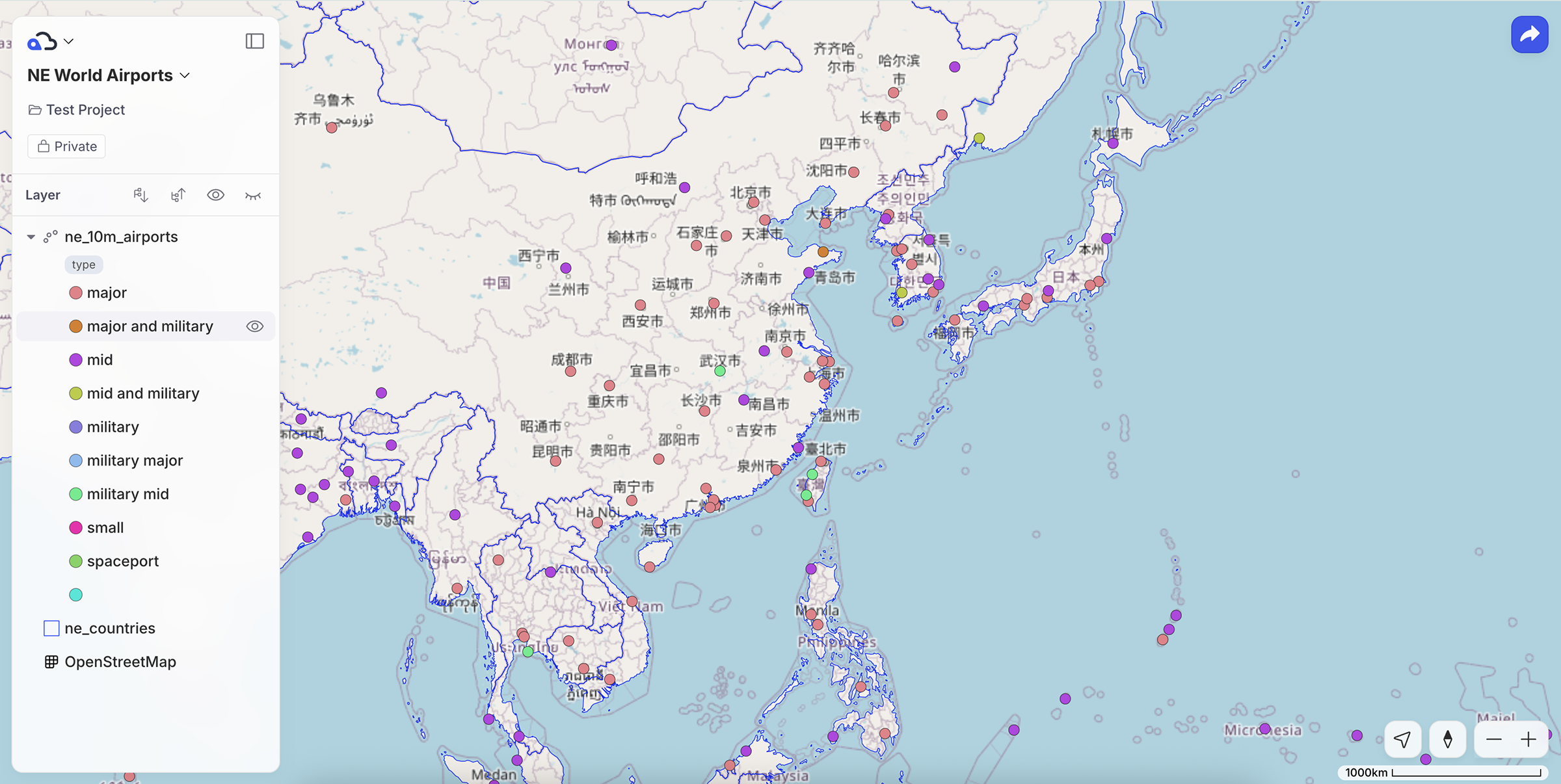
A web map reflects the QGIS project settings saved to Kumoy. When you save a map in QGIS, the following settings carry over to its initial view on the web:
- Layer visibility
- Layer style settings
- Legend expansion in the Layers panel
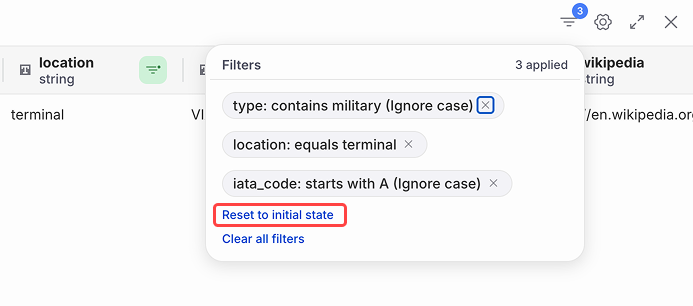
- Layer filters set in QGIS
NoteIf a map has filters saved from QGIS, you can temporarily change or clear them in the attribute table and then restore the QGIS settings with Reset to initial state.
Open a Map#
-
Log in to Kumoy.
-
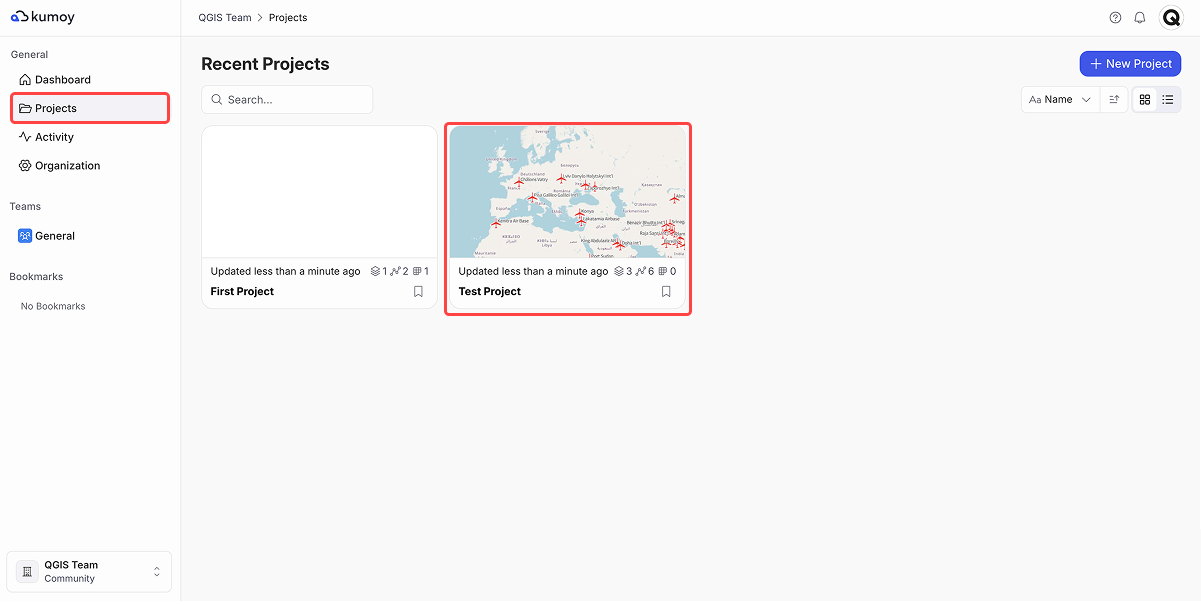
On the web dashboard, open the Projects tab and select the project where your map is stored.
-
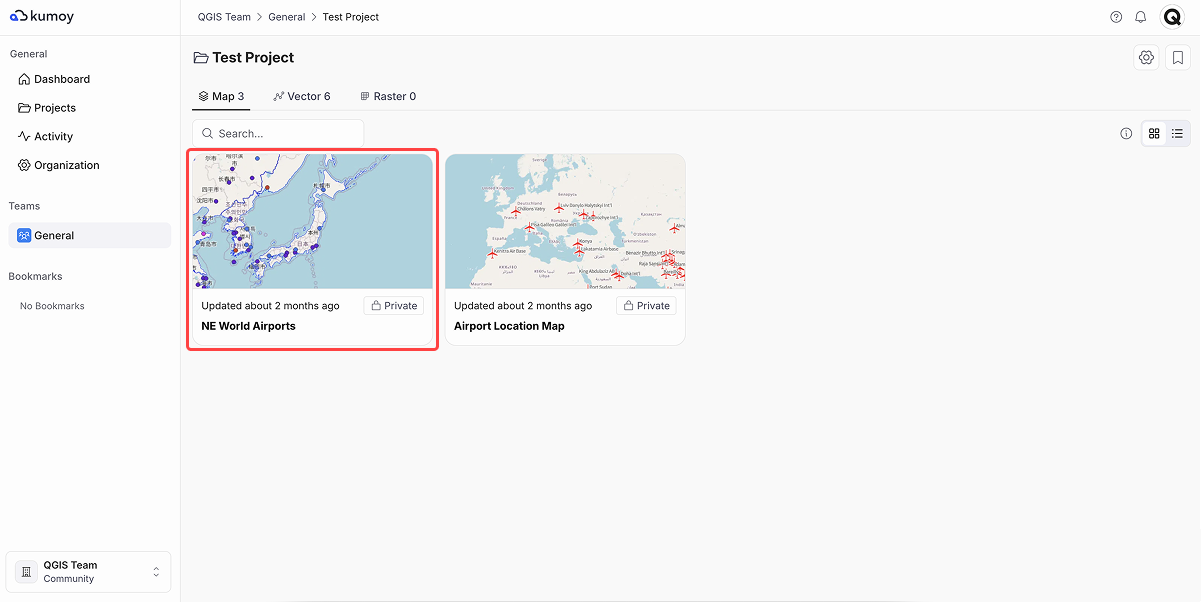
On the project page, click the map you want to open.
-
The map opens with the layers and styles you set in QGIS.
Edit a Map#
-
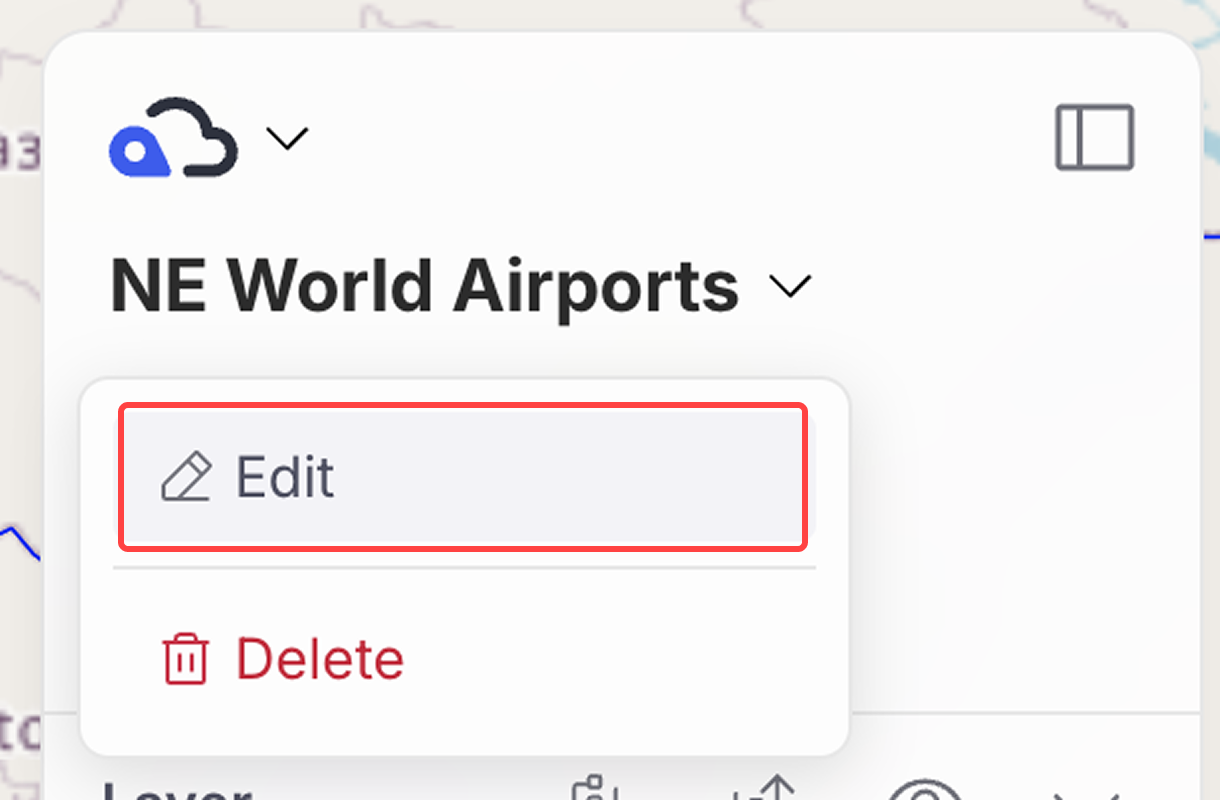
Click the map name in the top left and select Edit map.
-
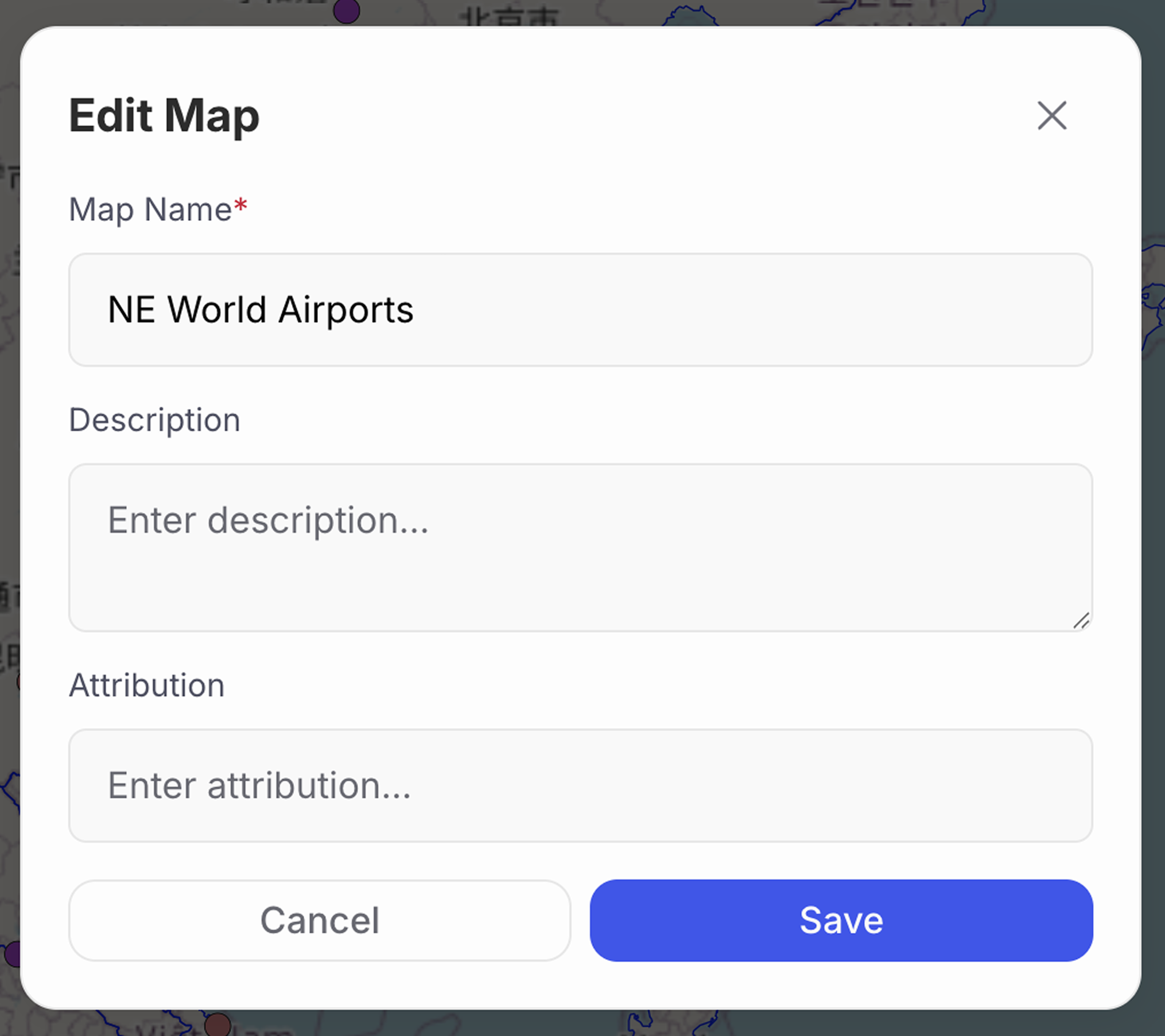
You can change the map name, description, and attribution.
Map Limitations#
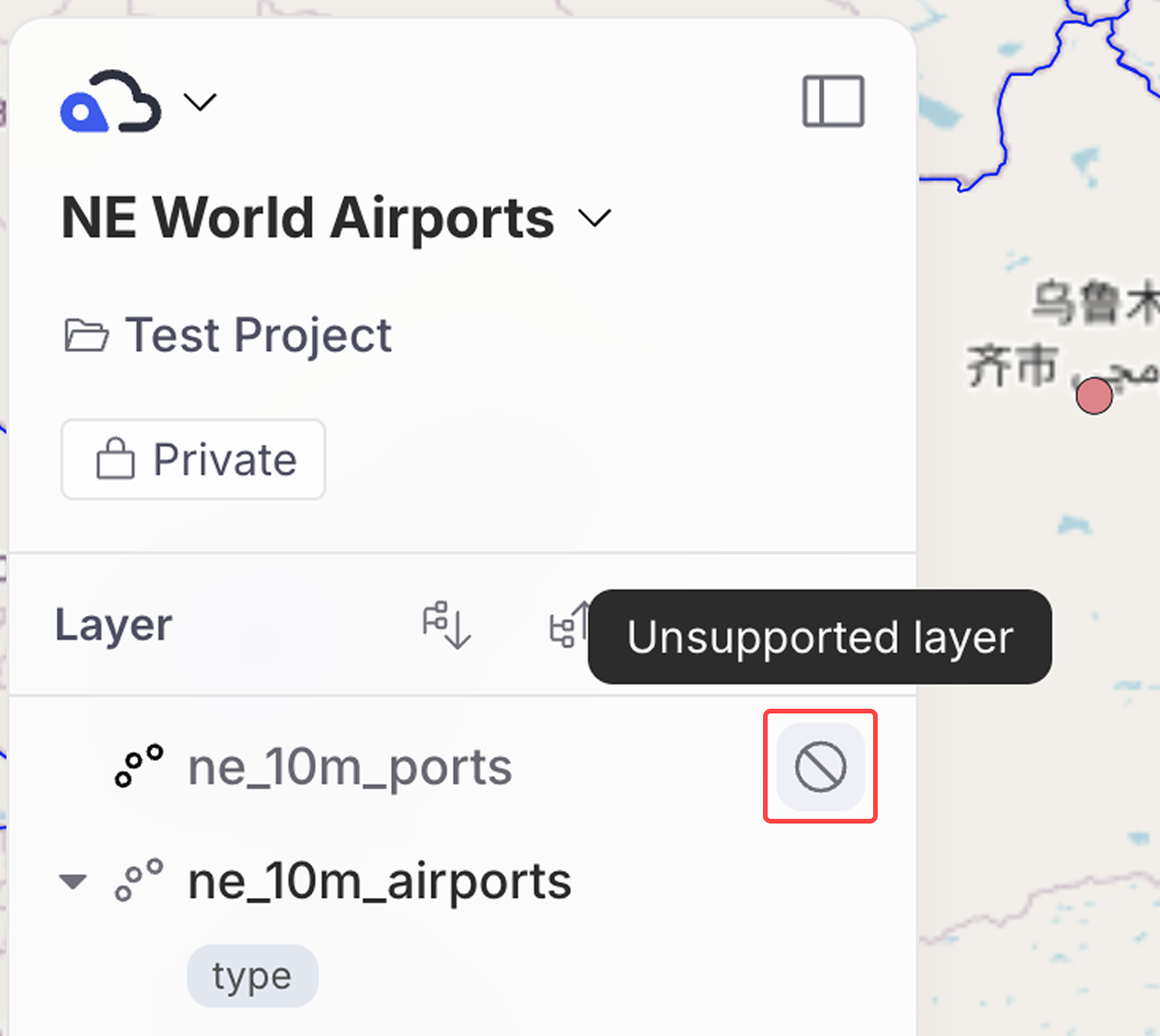
Only certain layer types can be displayed on the web:
- Supported:
XYZ Tiles,Kumoy vectors, andKumoy rasters - Unsupported layers will appear as "Unsupported layer" in the Layers panel.
See Data Specifications and Limits for supported raster data and limitations.
Last update: Oct 7, 2026 23:52:25