Installing QGIS
Before you can use Kumoy, you'll need a compatible version of QGIS installed. This page covers the supported versions and walks you through the installation process.
Supported Versions#
Kumoy supports QGIS 3.40 or later, including the latest LTR release. For the newest features, we recommend QGIS 3.44 or later with the Kumoy plugin updated to the latest version.
How to Install QGIS#
-
Go to the QGIS download page.
-
Download the installer for your operating system.
qgis.org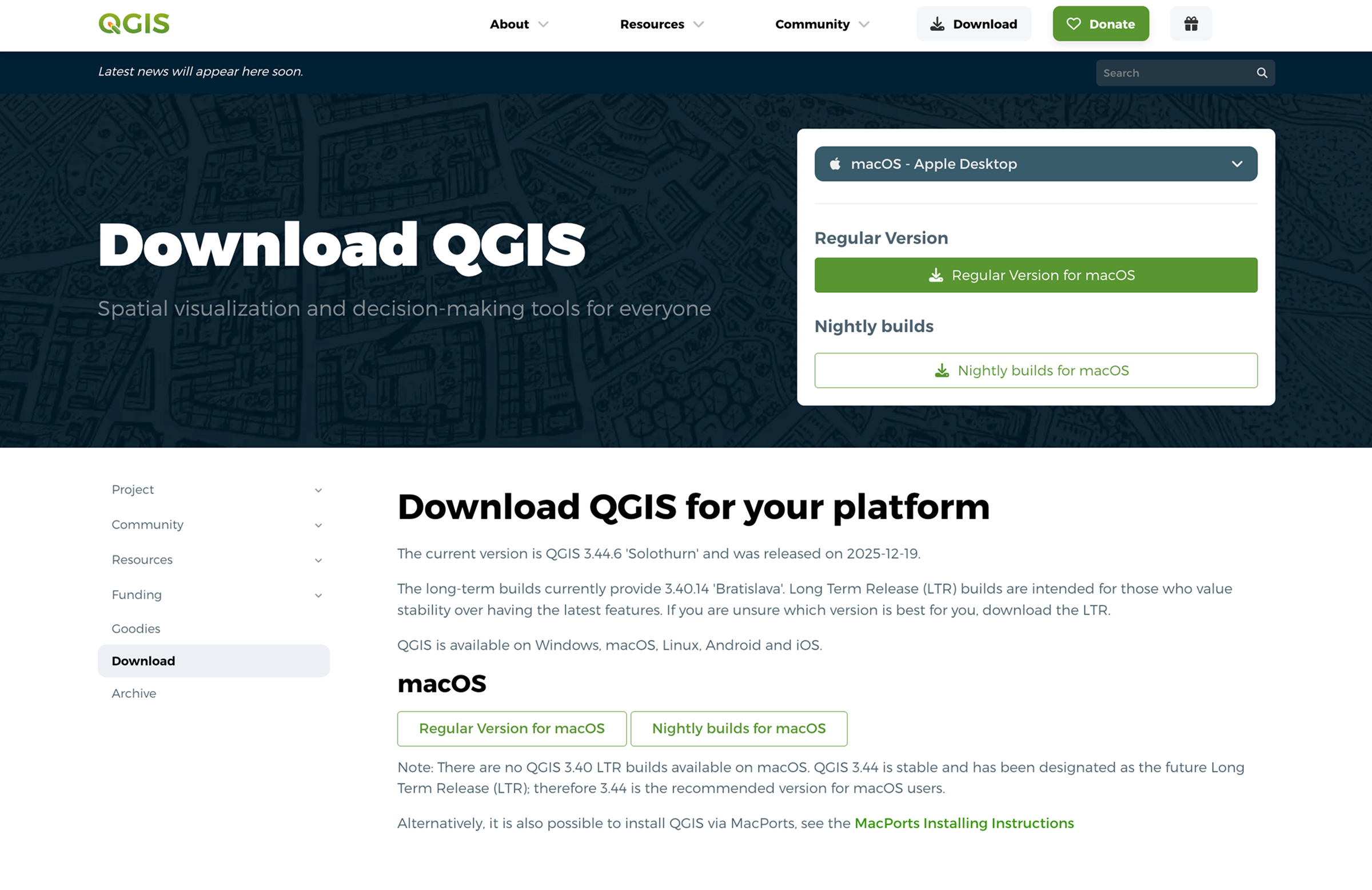
-
Once the download is complete, run the installer.
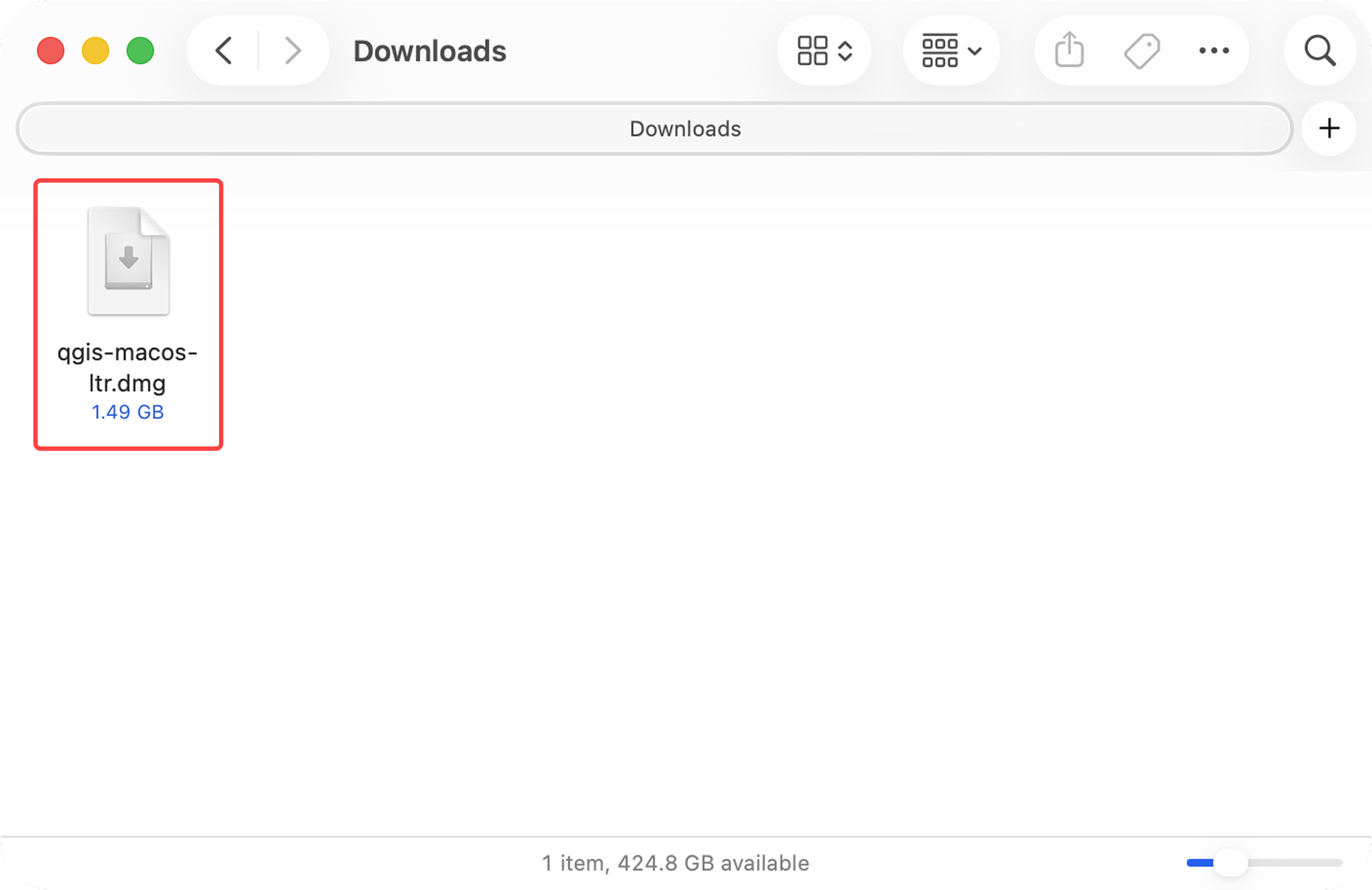
-
Proceed with the installation using the default settings.
-
Once the installation is complete, launch QGIS.
TipQGIS LAB by MIERUNE has a detailed walkthrough of the installation process (in Japanese):
QGISを始めよう!QGISのインストール手順について紹介 〜Windows版、Mac版〜 - QGIS LAB by MIERUNE
Next Step#
With QGIS installed, you're ready to Sign up for Kumoy.
Last update: Oct 7, 2026 23:52:25