View Vectors on the Web
Kumoy lets you view saved vectors directly in the browser.
Open a Vector#
-
Log in to Kumoy.
-
On the web dashboard, open the Projects tab and select the project where your Vector is stored.
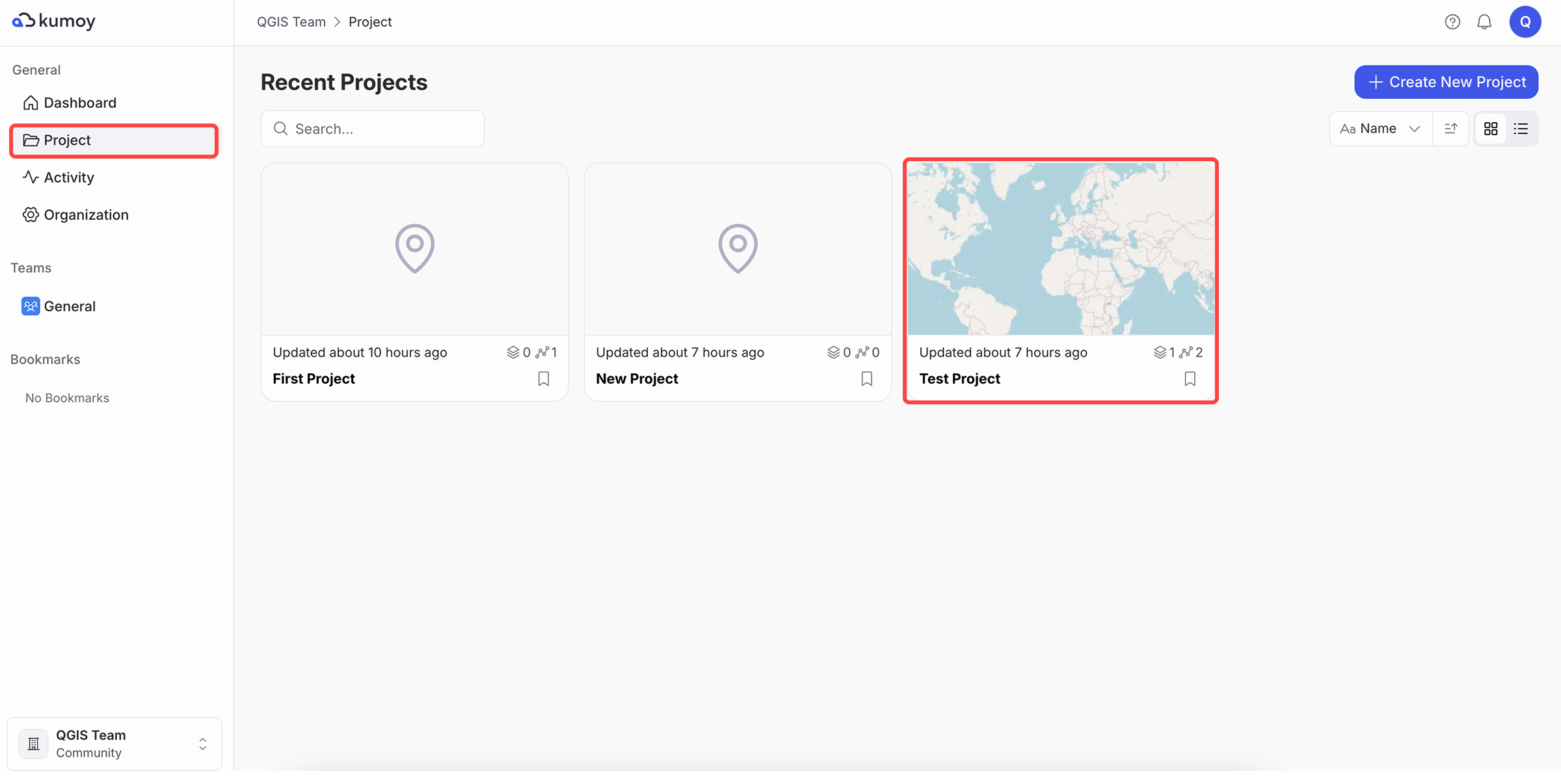
-
On the Vector sub-tab, click the target vector.
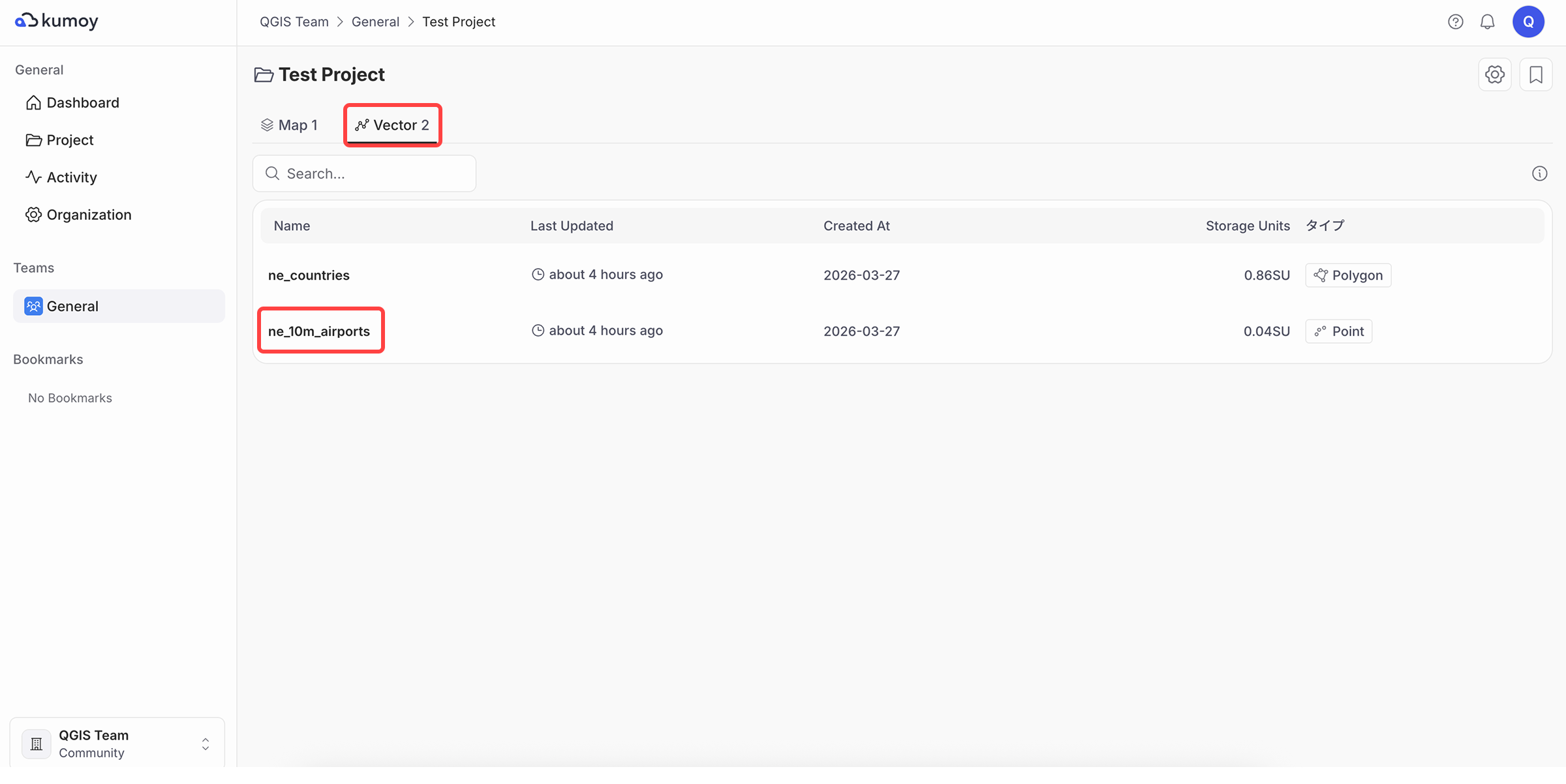
-
You can visualize the vector's metadata, feature locations, and attribute table.
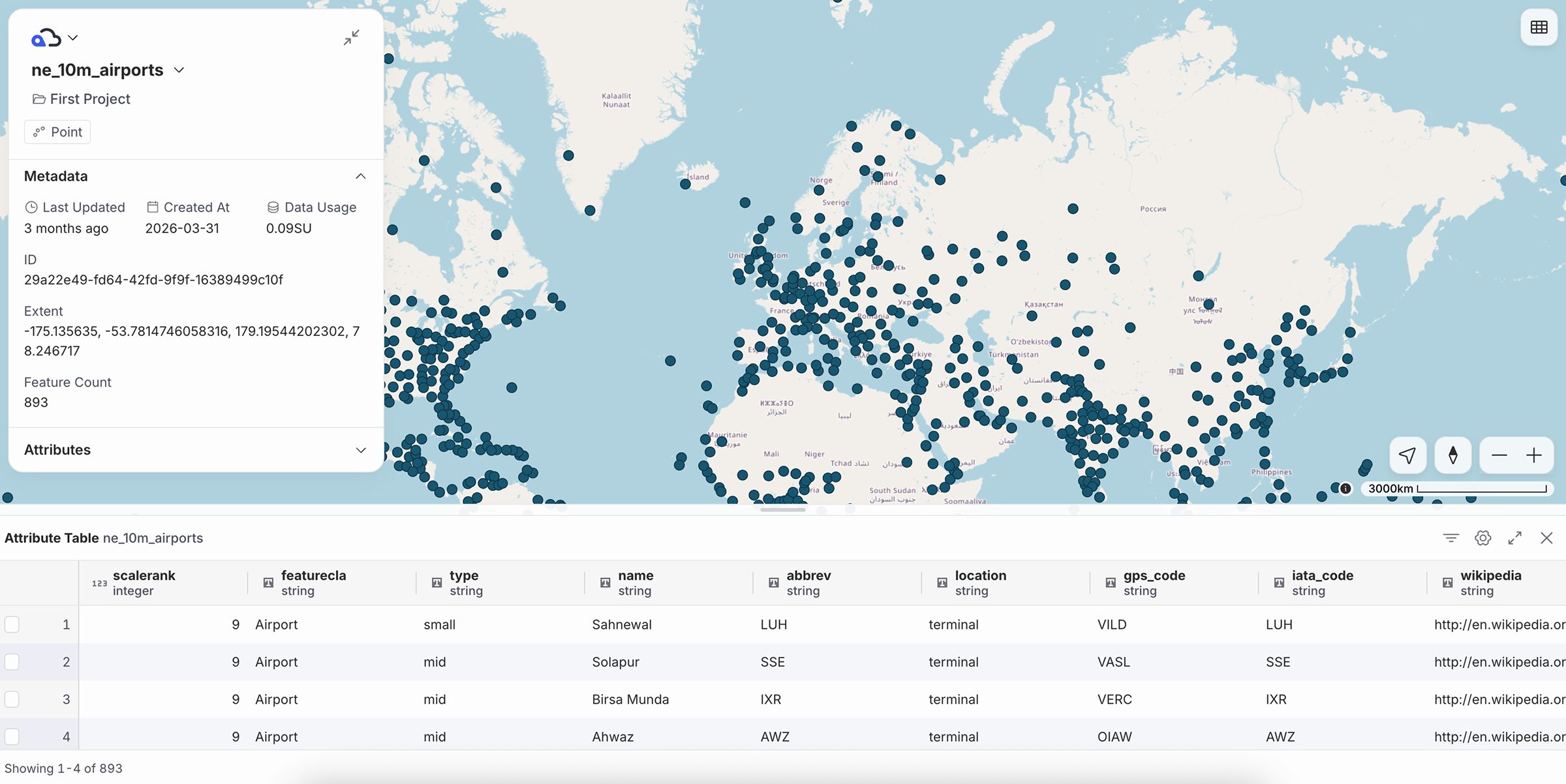
ImportantThe background map when viewing a vector is fixed to OpenStreetMap. The vector's style cannot be changed.
Edit a Vector#
-
Click the layer name in the top left and select Edit vector.
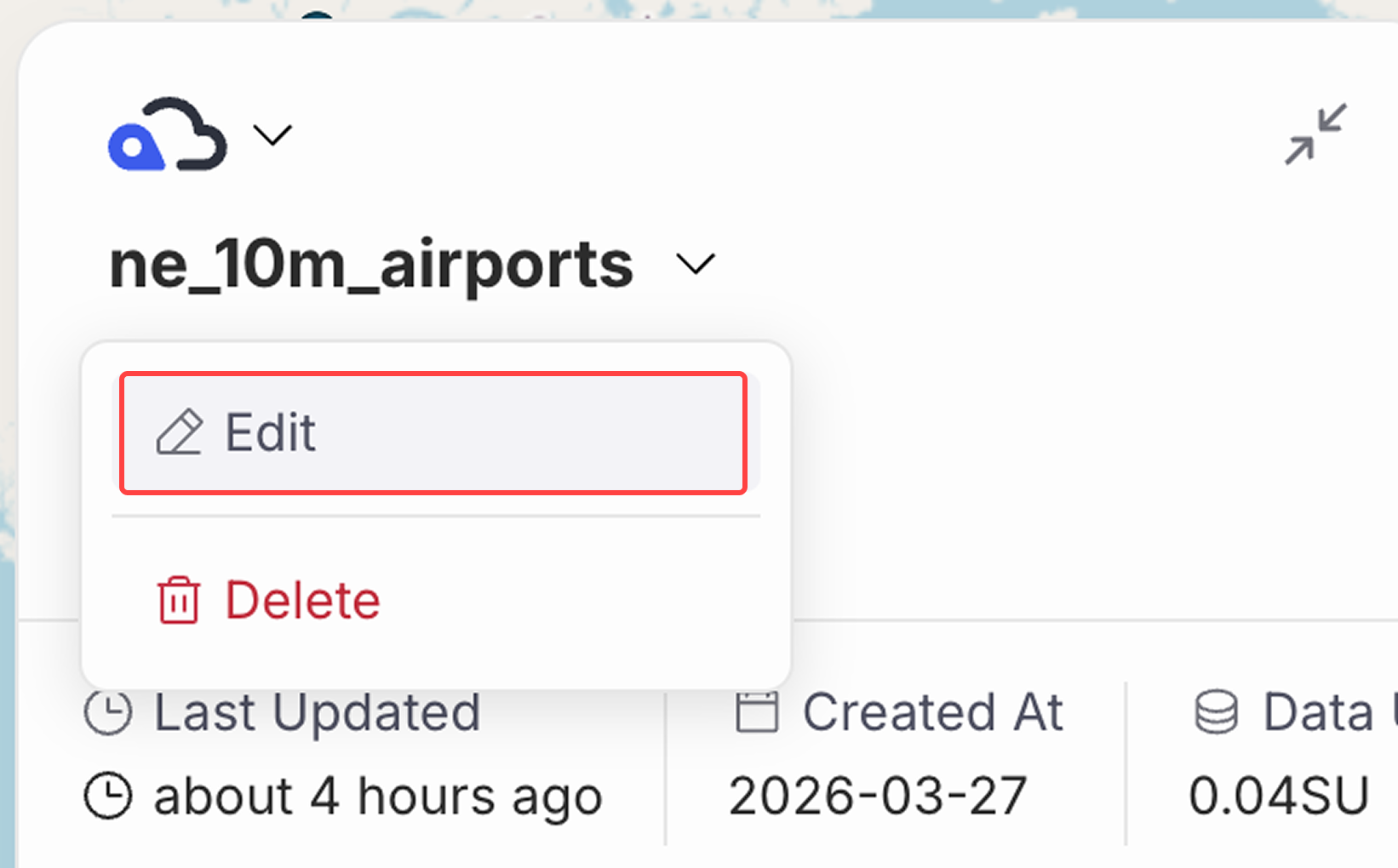
-
You can change the vector name and attribution.
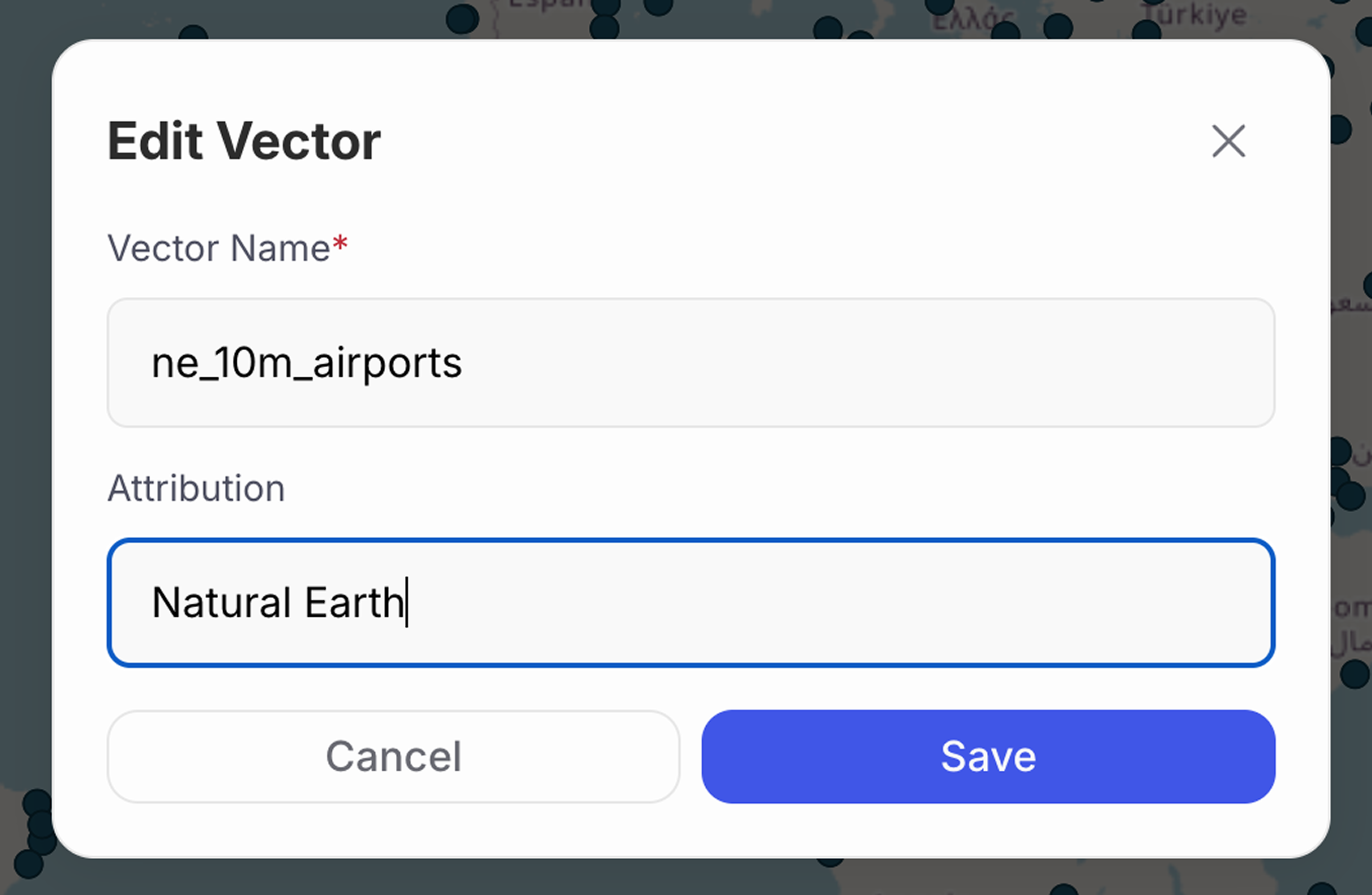
NoteOn the Team plan and above, you can also edit features and attributes from the standalone vector view. For details, see Edit Vector Features on the Web.
NoteTo see how the attribution appears on the map, refer to map's Data Attribution.
Last update: Jul 21, 2026 07:40:43